

I picked up a camera to slow myself down.
When I look closely, I notice the quiet work of light and texture, and I remember that attention is a choice.
Hi, I'm Justin. I build software to make everyday tasks simpler and more enjoyable. This is where I share those projects, the work behind them, and a few things I notice along the way.
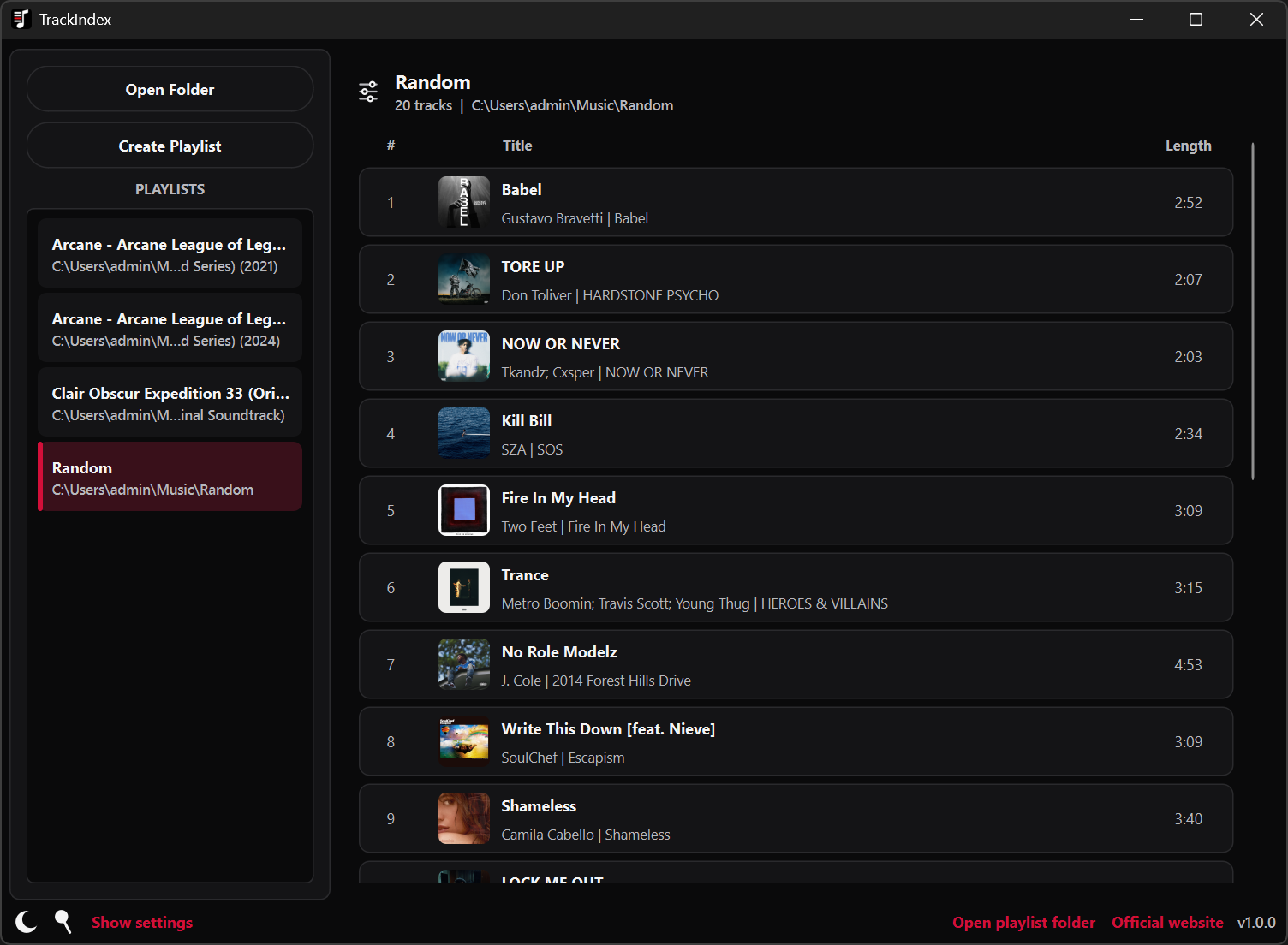
A little more about meBring your local music library together. Organize and play your tracks while keeping filenames and playlists in sync.
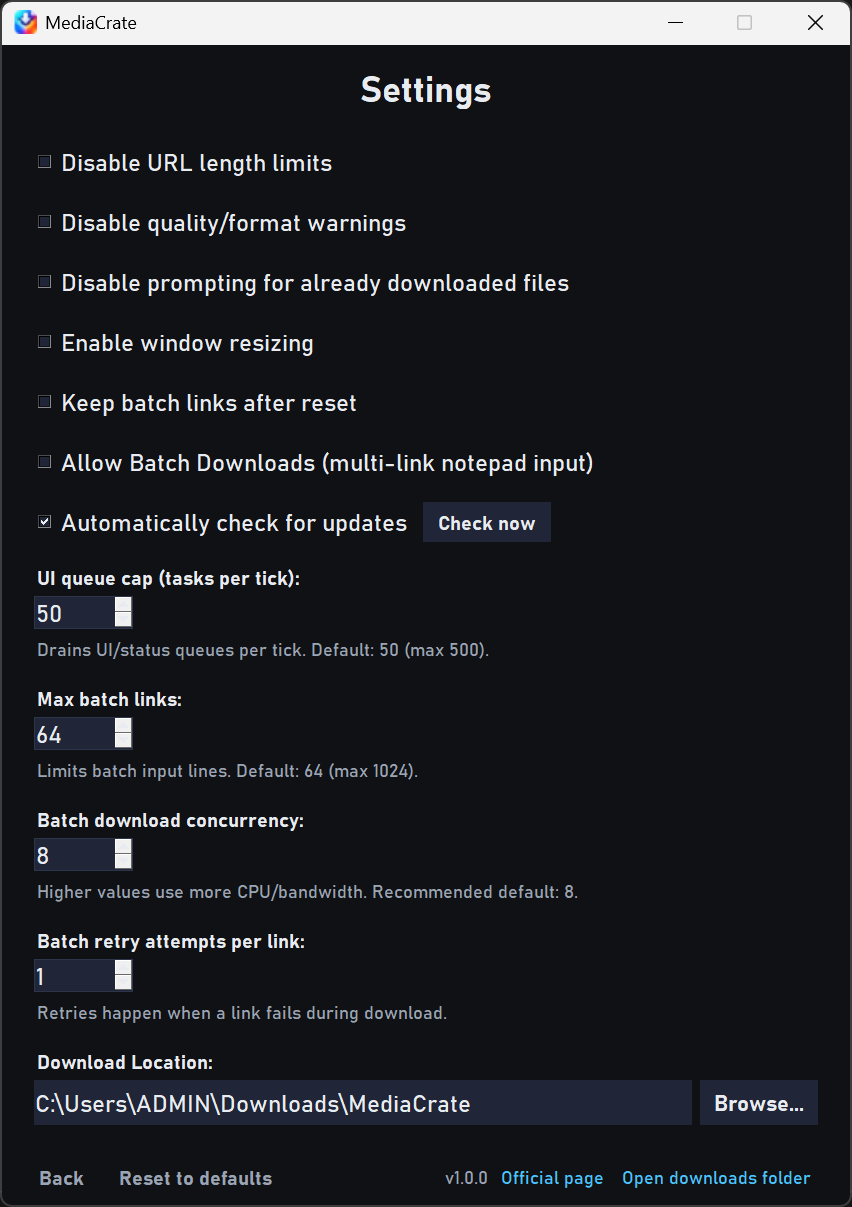
Save video or audio from a link, with a preview of the media and control over the format, quality, and download queue.
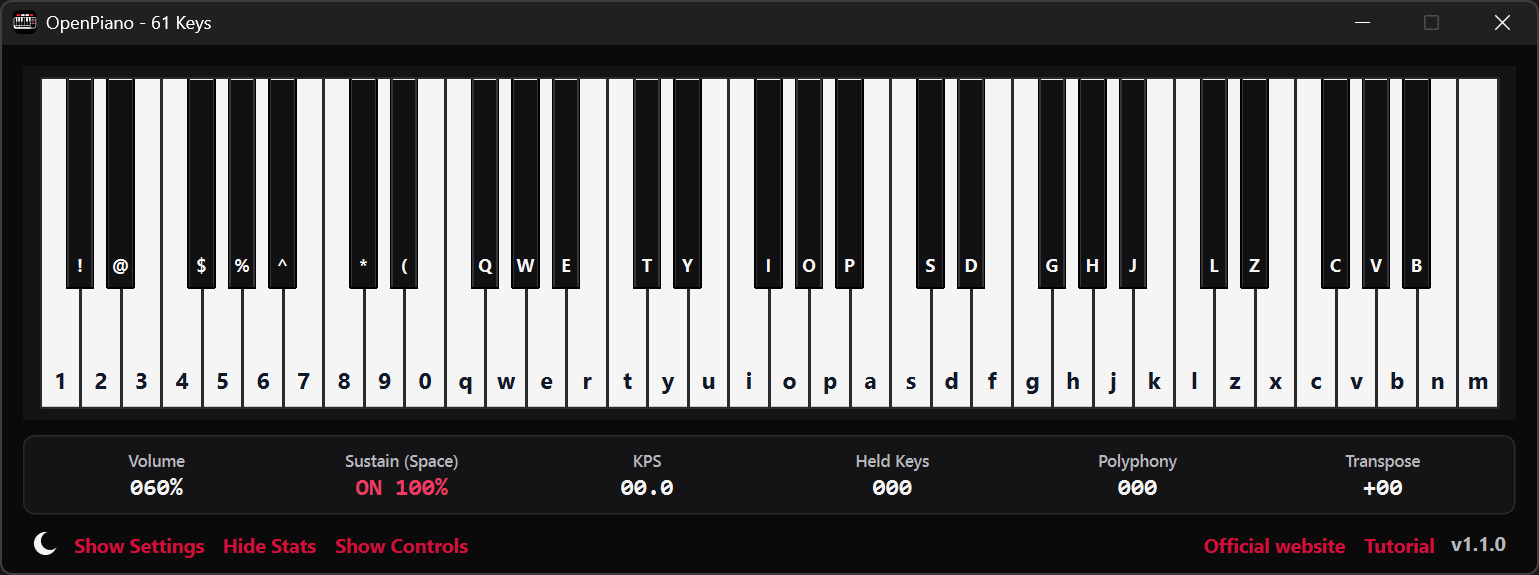
Play a desktop piano with your computer keyboard, mouse, or MIDI device, whether you're practicing or trying out an idea.
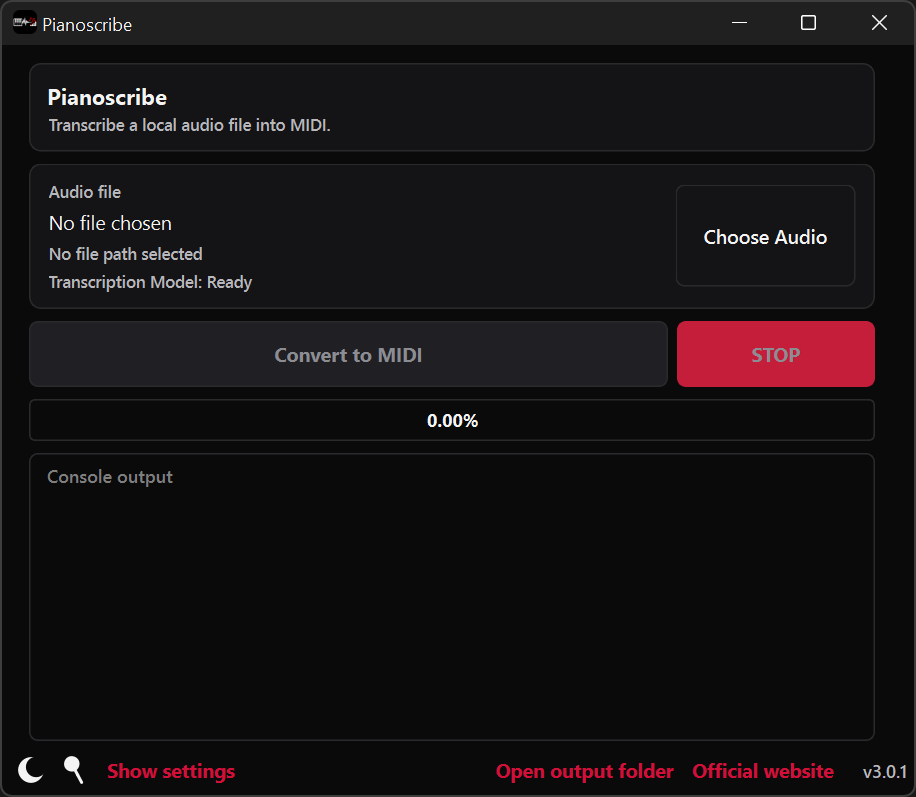
Turn a piano recording into MIDI you can open, edit, and arrange. The recording is processed locally on your computer.
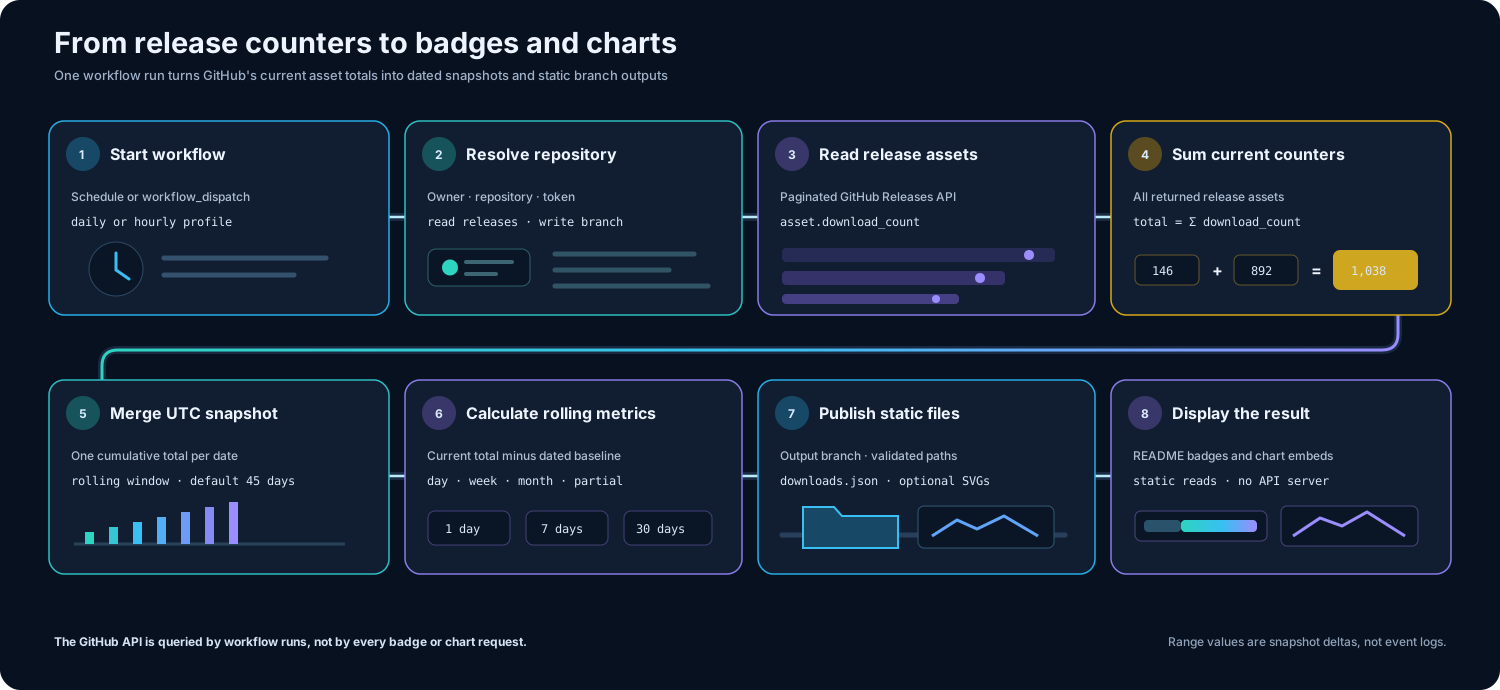
Keep a history of GitHub release downloads and share the results as badges and charts.
Play a piano in your browser with your keyboard, mouse, or touch screen. Phones use 61 keys in landscape; desktop has 88.

I picked up a camera to slow myself down.
When I look closely, I notice the quiet work of light and texture, and I remember that attention is a choice.

I try to keep the frame simple and the moment honest.
It reminds me that clarity often arrives when I stop arranging things and let them be what they are.

Photographs hold a moment, but life keeps moving.
So I try to stay present, take the picture, and then keep living, because the lesson is in the moment, not the proof of it.
Type to filter, use ↑ and ↓ to move, then press Enter.
 TrackIndexOrganize and play local music libraries while keeping filenames and playlists in sync.
  MediaCrateSave video or audio from a link, choose the format and quality, and keep your downloads in an organized queue.
  OpenPianoDesktop piano you can play with your PC keyboard, mouse, or MIDI device.
  PianoscribeTurn piano recordings into editable MIDI for music and notation software, with processing kept on your computer.
  GitHub Downloads ActionKeep a history of GitHub release downloads and share the results as badges and charts.