OpenPiano
A desktop piano for playing, practice, and quick musical ideas.
Play with your keyboard, mouse, or MIDI.
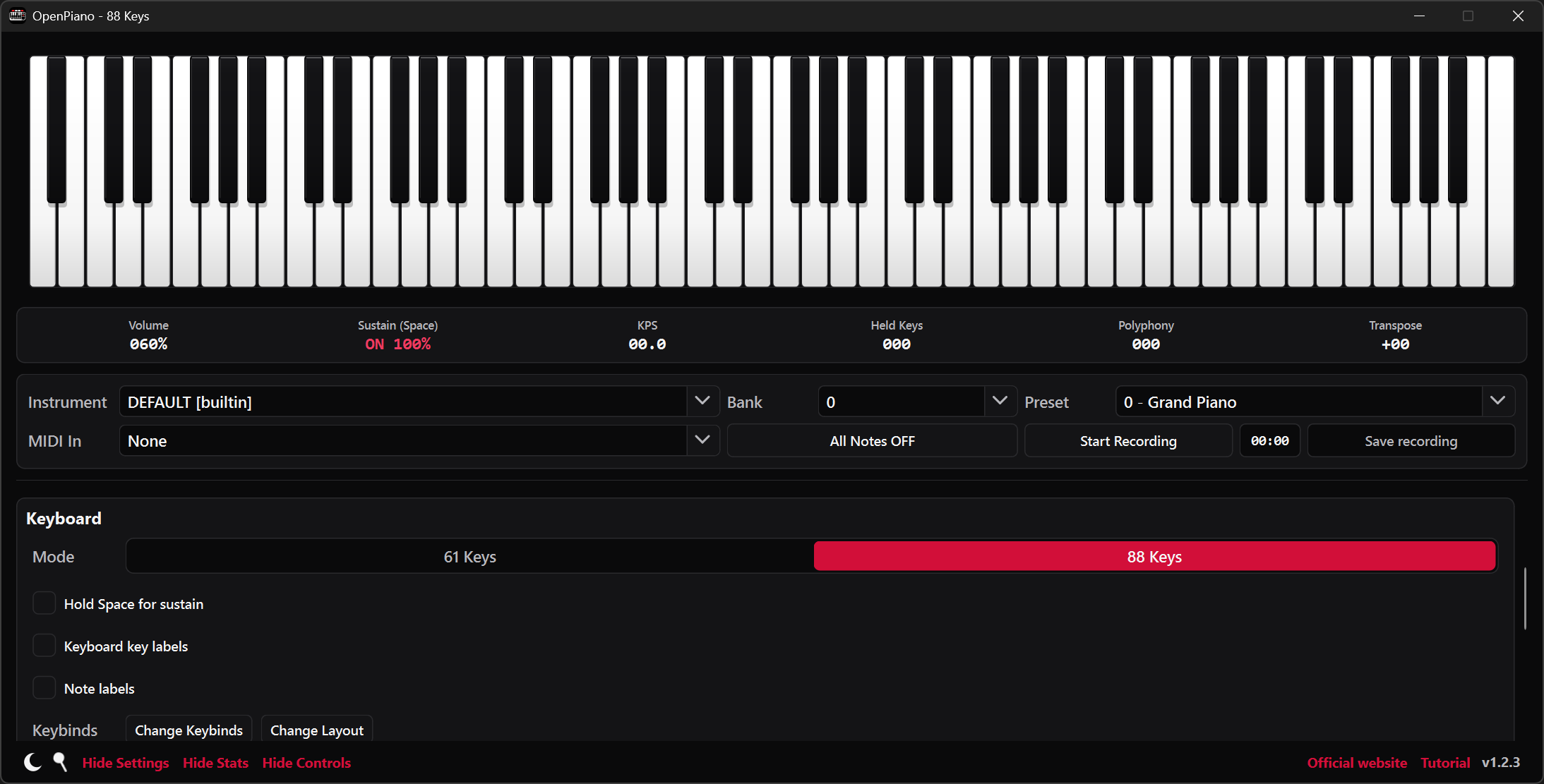
OpenPiano turns your Windows computer into a playable piano. Start with the computer keyboard or mouse, or connect a MIDI controller, a musical keyboard that sends the notes you play to the app. Every note appears on the piano as you play.
Choose a 61 or 88 key layout, explore different instrument sounds, and keep the controls close at hand. When an idea is worth keeping, record it without leaving the piano.
- Computer keyboard, mouse, and MIDI input
- Included sounds and custom instruments
- Key mappings, sustain, and pitch controls
- MIDI and WAV recording exports
- 61 and 88 key piano layouts
- A built-in tutorial to get you started
Customize the piano and its sound.
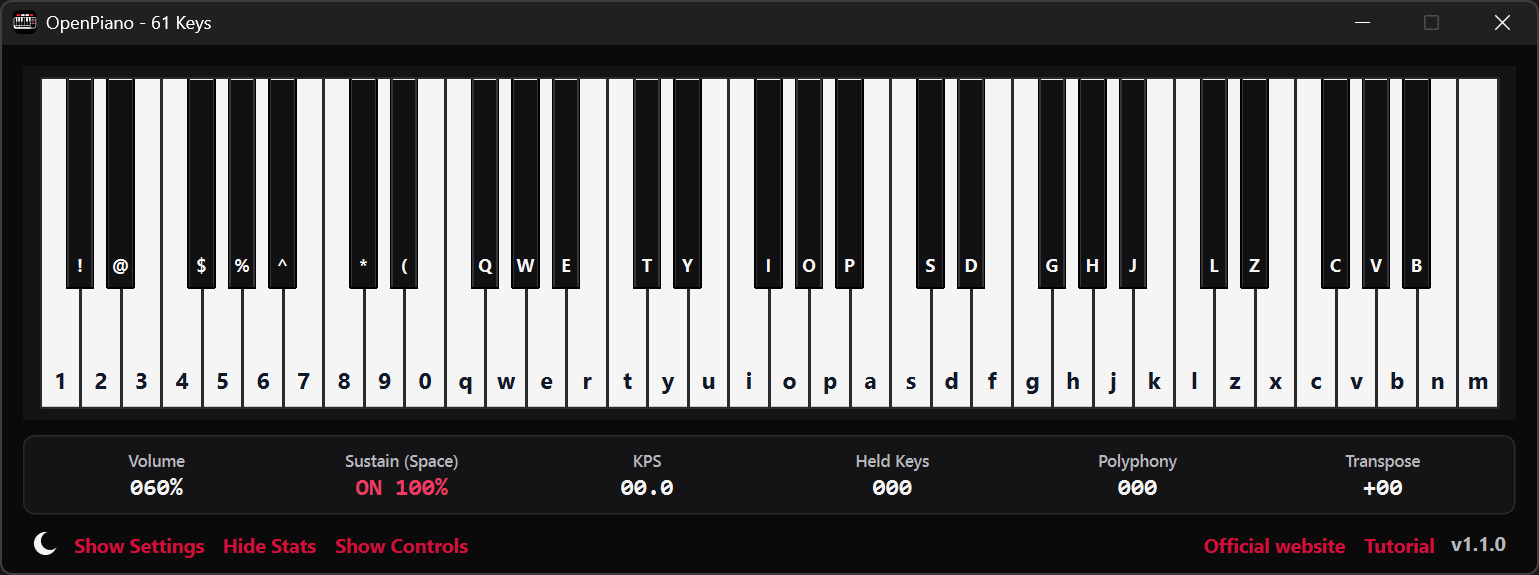
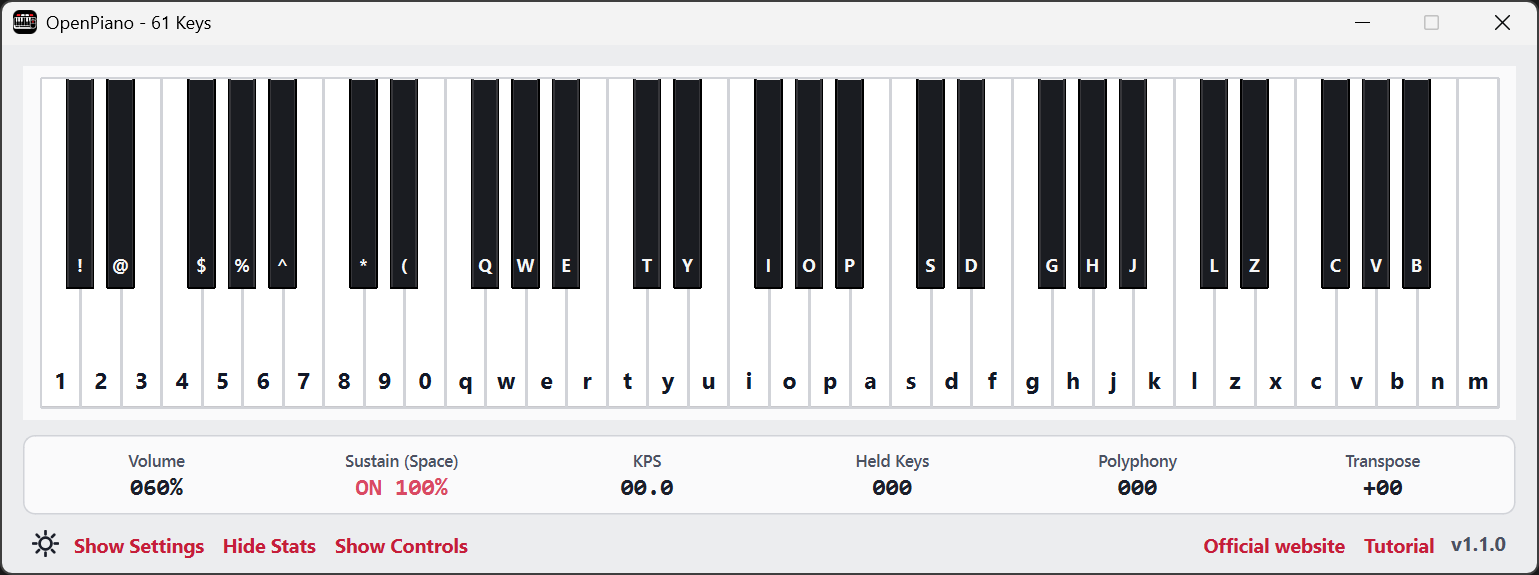
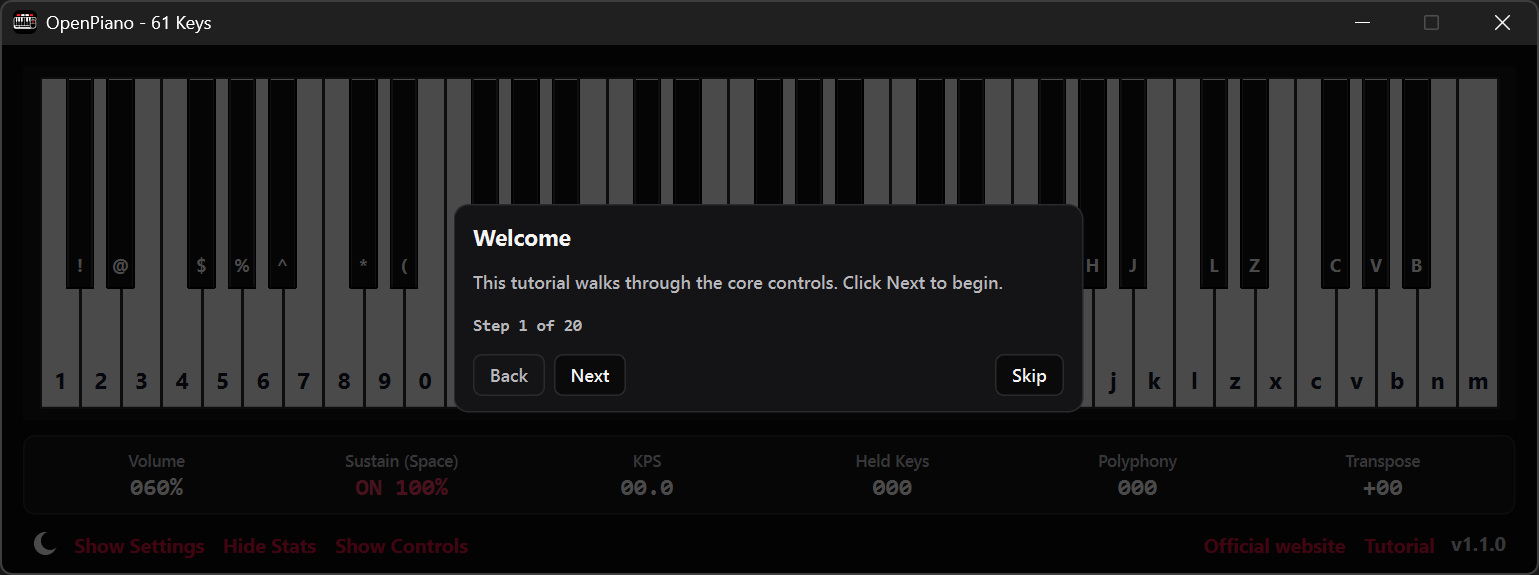
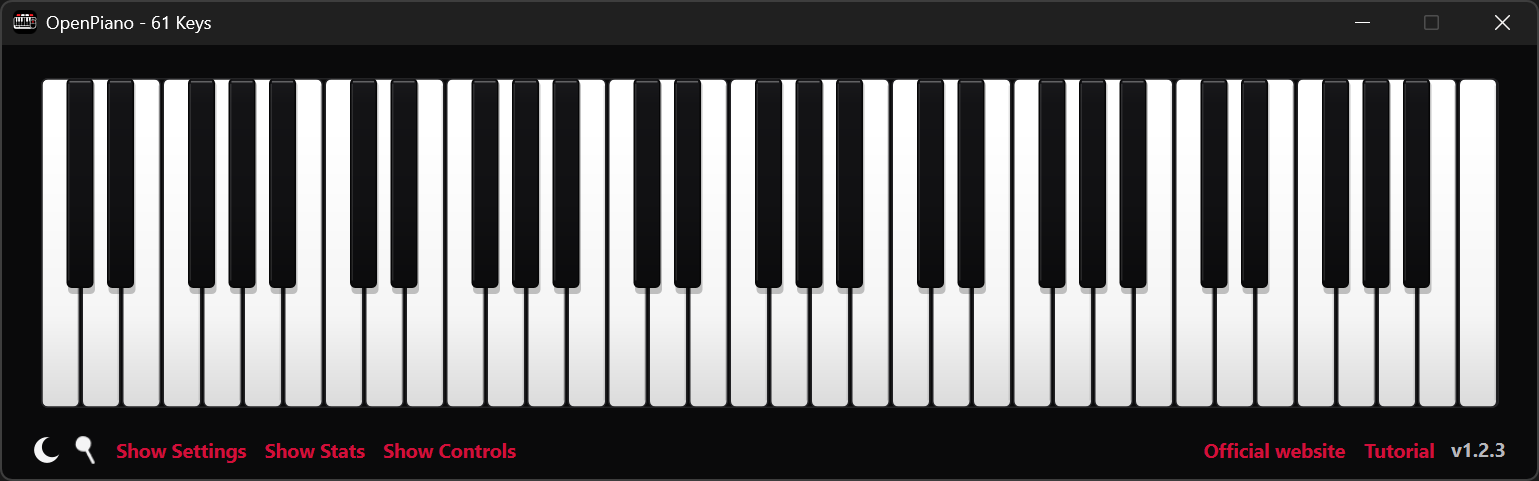
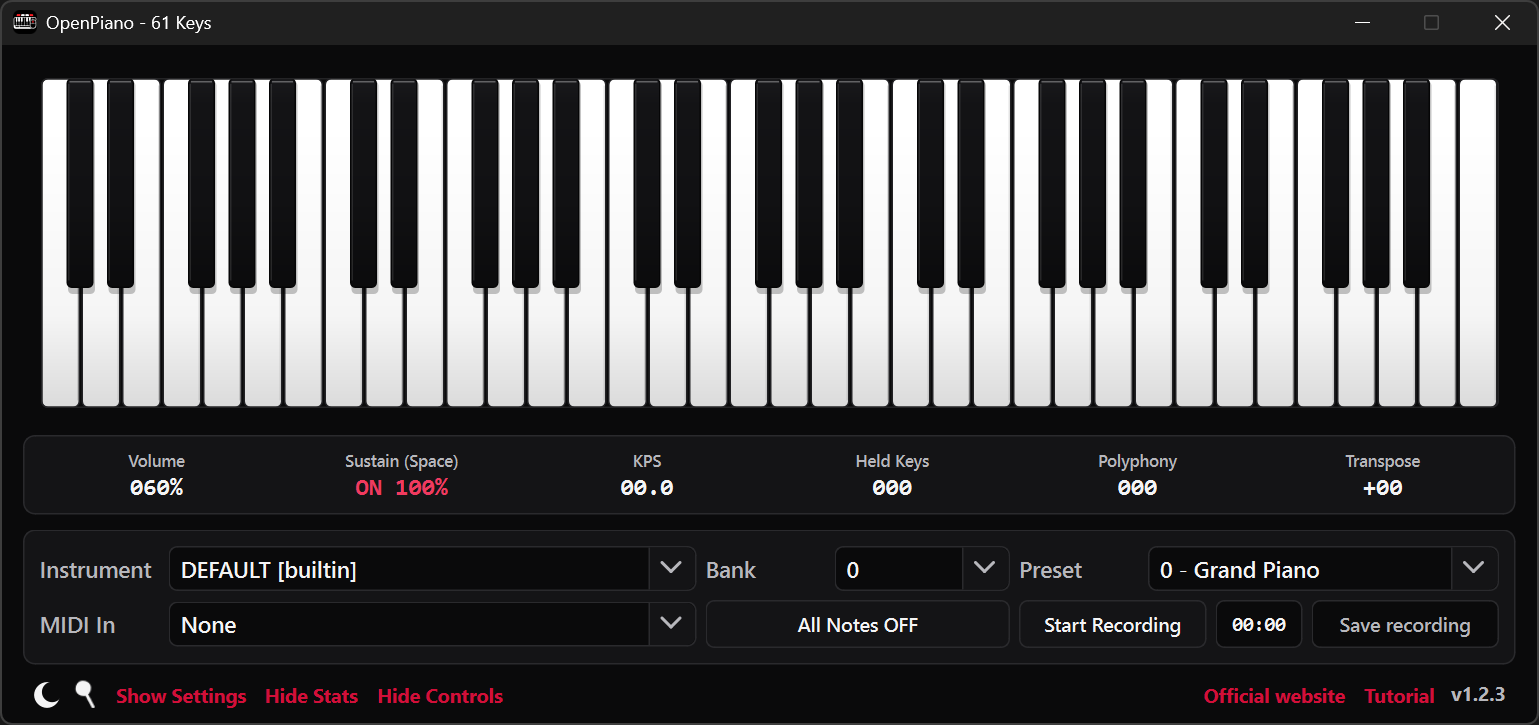
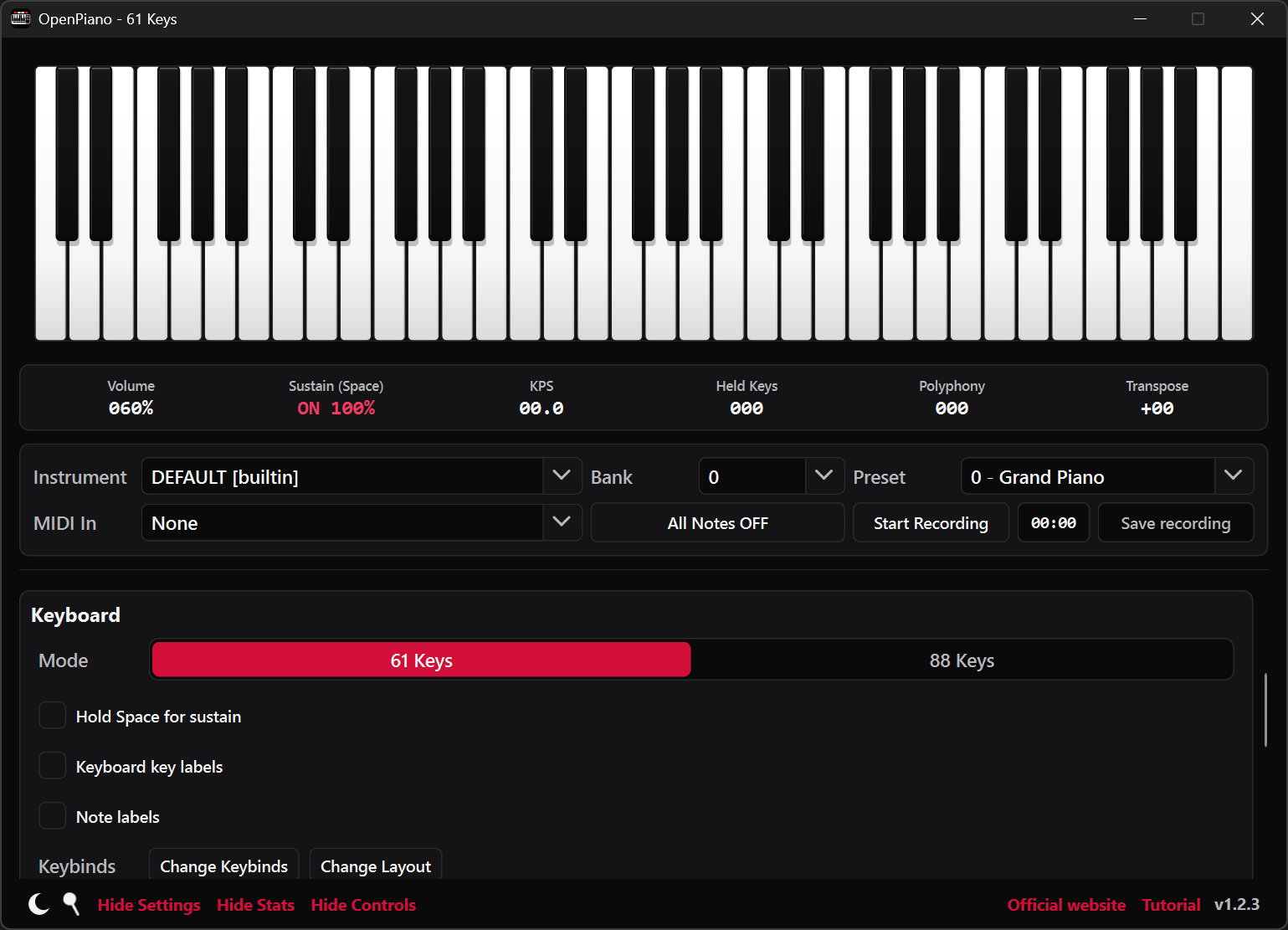
Set up your keyboard.
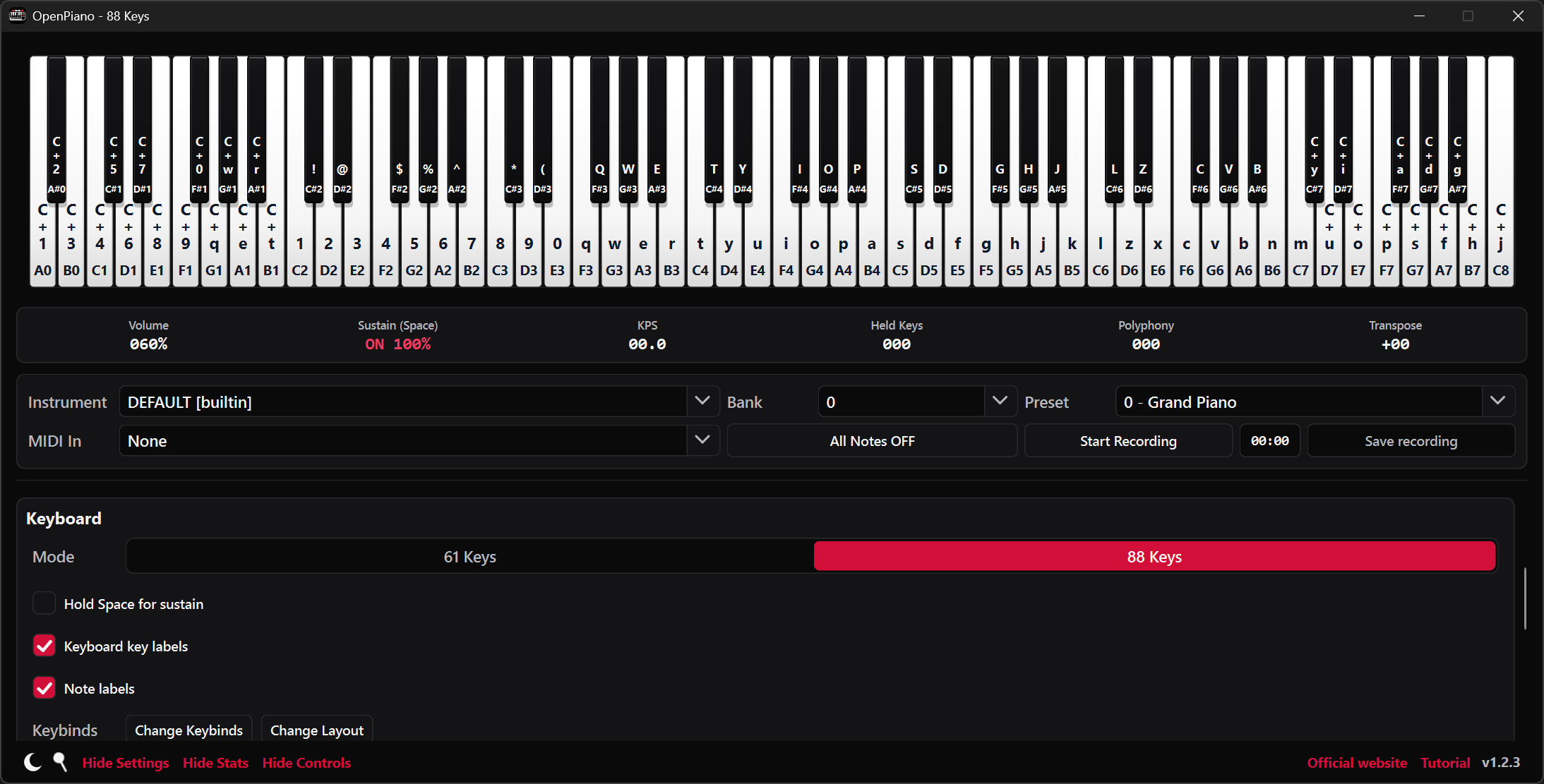
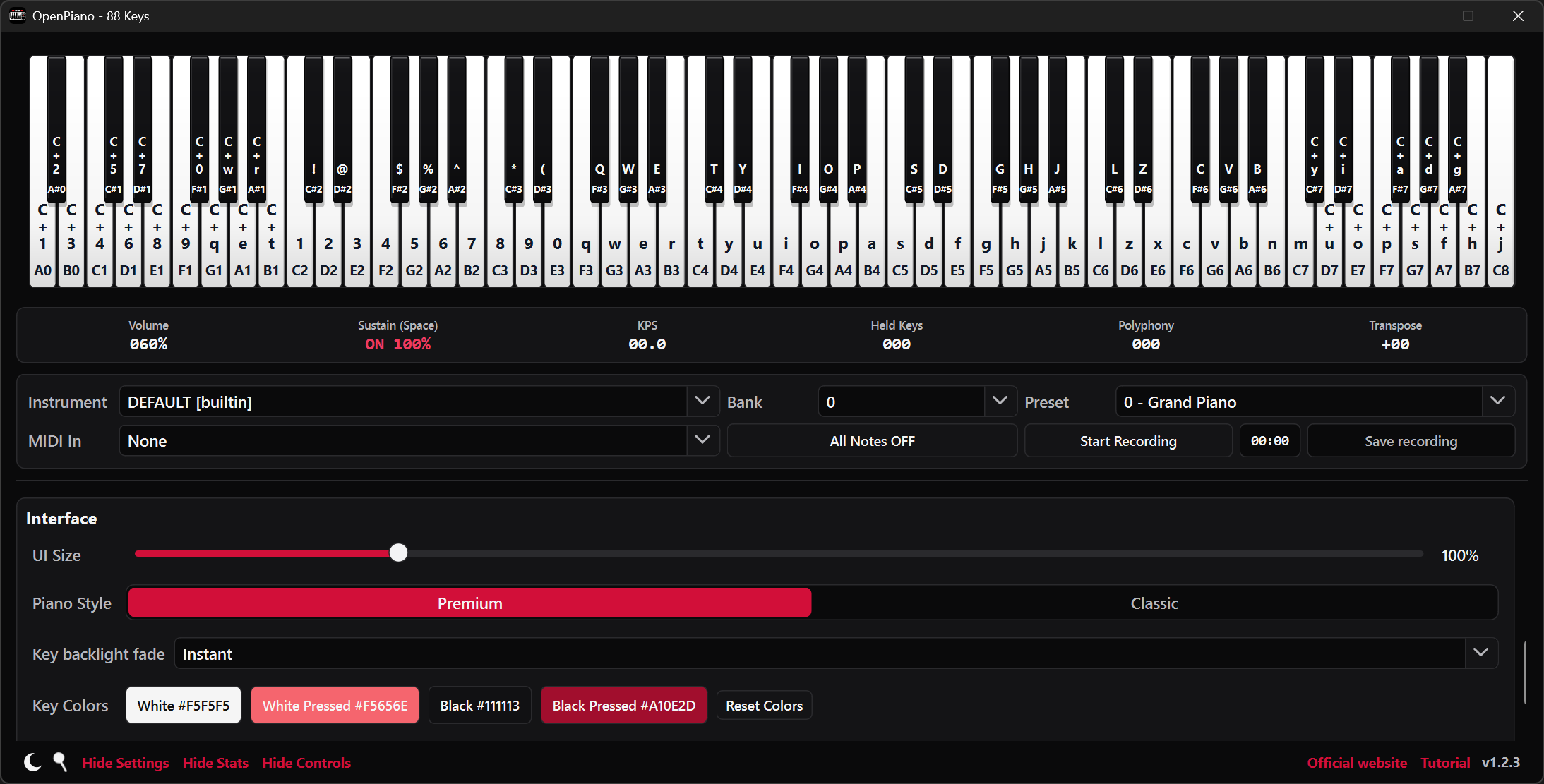
Play from the labels on screen, click or glide across the piano with a mouse, or select a connected MIDI keyboard. Adjust the key mappings, note labels, and appearance to suit the way you play.
Choose an instrument sound.
Choose an included instrument or add a SoundFont, an instrument sound file in SF2 or SF3 format. Adjust volume, note strength, sustain, and pitch from the controls beside the piano.
From playing to a saved recording.
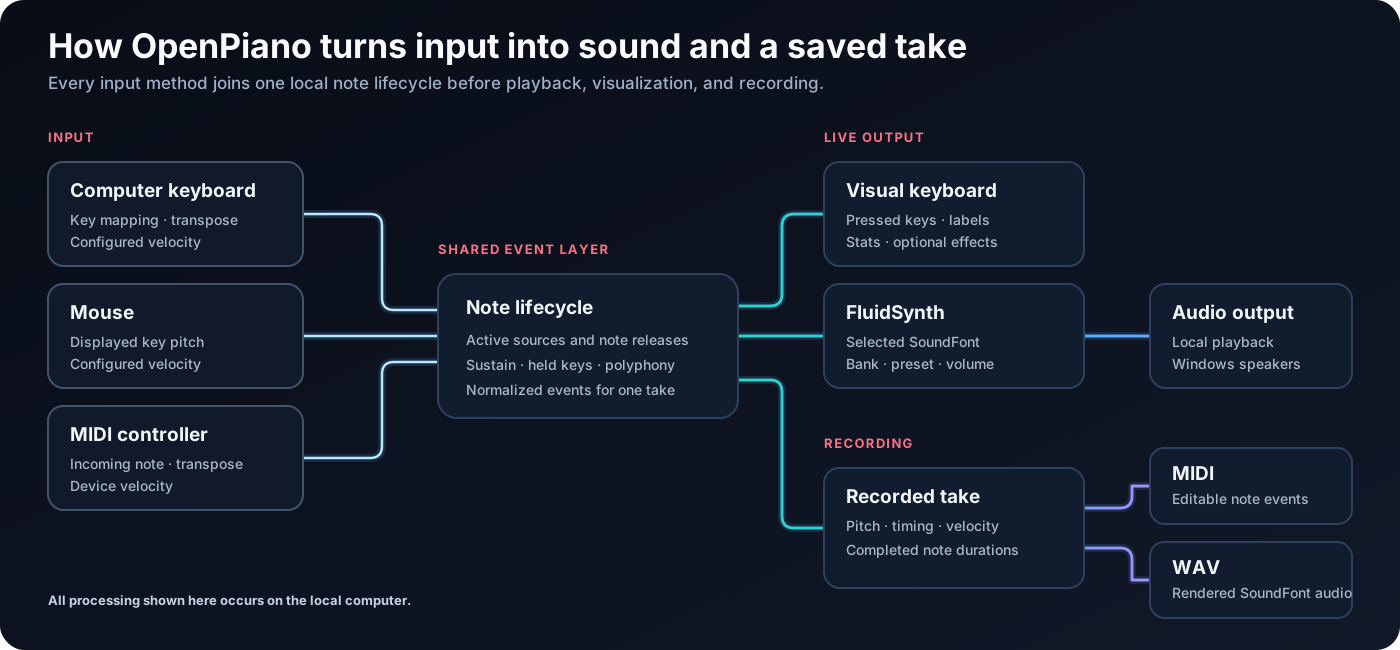
Play the notes.
Use the computer keyboard, mouse, or a MIDI controller. MIDI input keeps the strength of each key press; the keyboard and mouse use the note strength you choose.
Record a performance.
Select Start Recording when you want to capture a take. The recorder follows the notes you play while the piano keeps them in view.
Export MIDI or audio.
Save as MIDI to edit the notes later in music software, or as WAV to keep an audio file rendered with your selected instrument sound.
The current release.
Version 1.3.0 - August 30, 2026
What’s changed
- Added fullscreen Effects piano mode.
- Added live note visualizations.
- Improved the light theme and interface scaling.
- Improved SoundFont bank and preset switching.
- Improved recording exports, downloads, and updates.
Installing OpenPiano
The Windows installer includes the components OpenPiano needs. Use the official download page or the project release mirrors below.
Windows may show a SmartScreen prompt for a new or unsigned installer. See the download FAQ for guidance.
Source code and documentation.
OpenPiano's source, release history, and documentation are available on GitHub. Playing, recording, and settings stay on your computer.