MediaCrate
Save video or audio with clear choices and an organized queue.
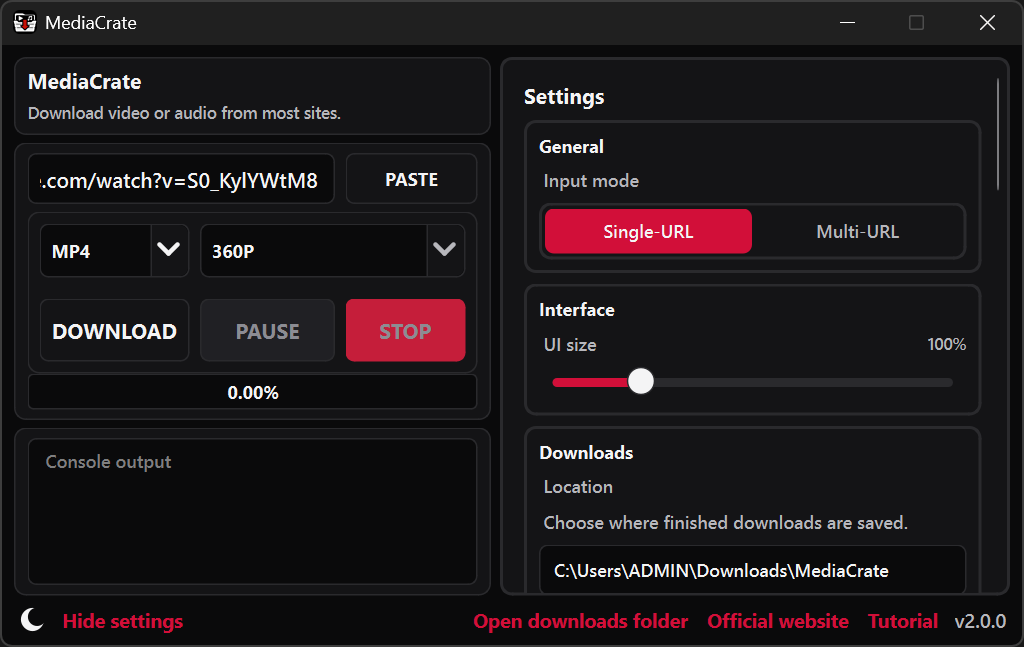
Download video or audio from a link.
MediaCrate saves video or audio from supported websites to your Windows computer. Start with one link, or bring a longer list together in a queue where each item keeps its own choices and progress.
Pause or retry downloads, set a speed limit, or return to an unfinished queue. Open completed files and their folders from your download history.
- Video or audio-only downloads
- Single links and batch queues
- File naming and folder controls
- History and unfinished queue recovery
- Adjustable download speed
- Control over simultaneous downloads
A clear view of your download.
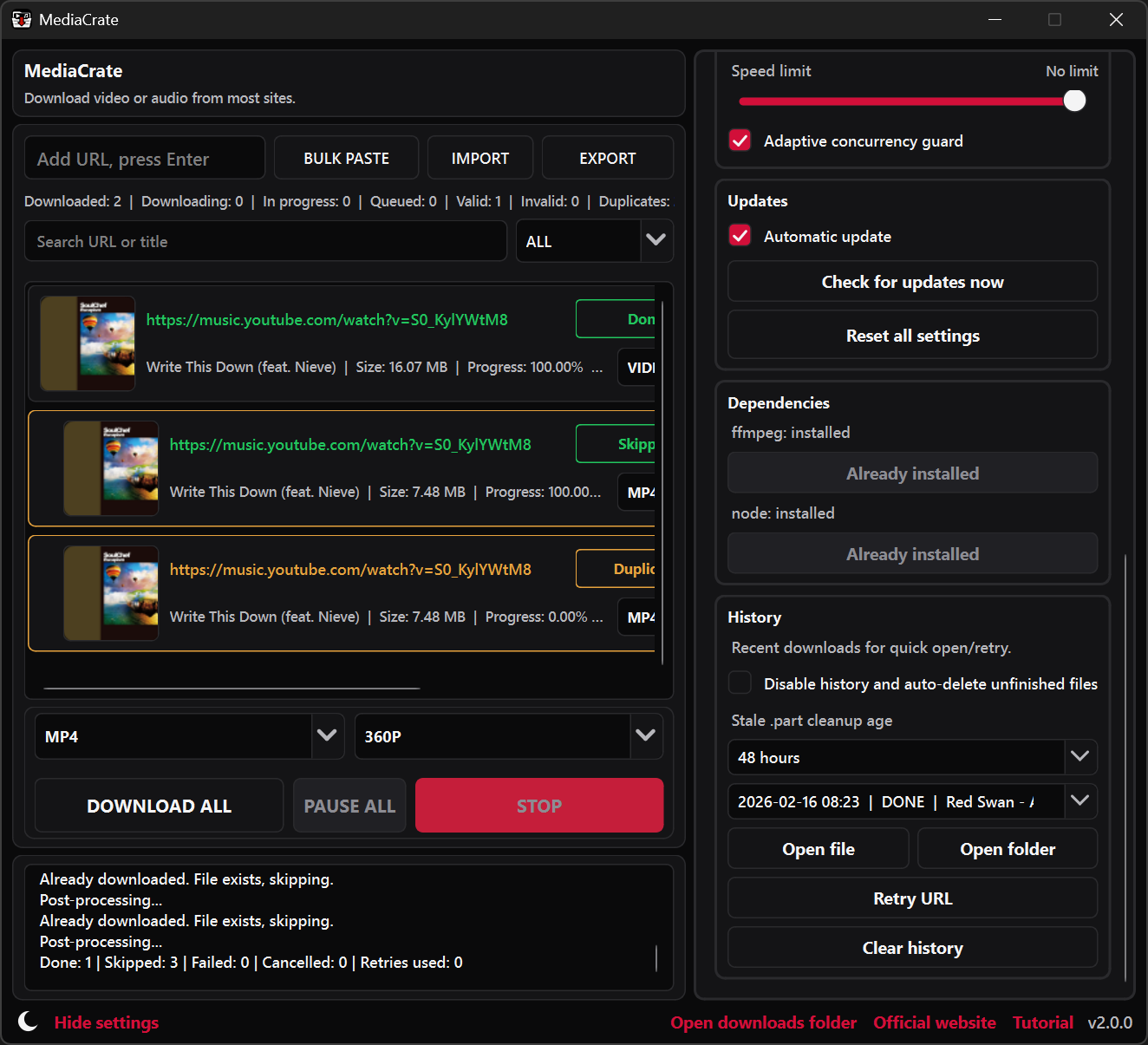
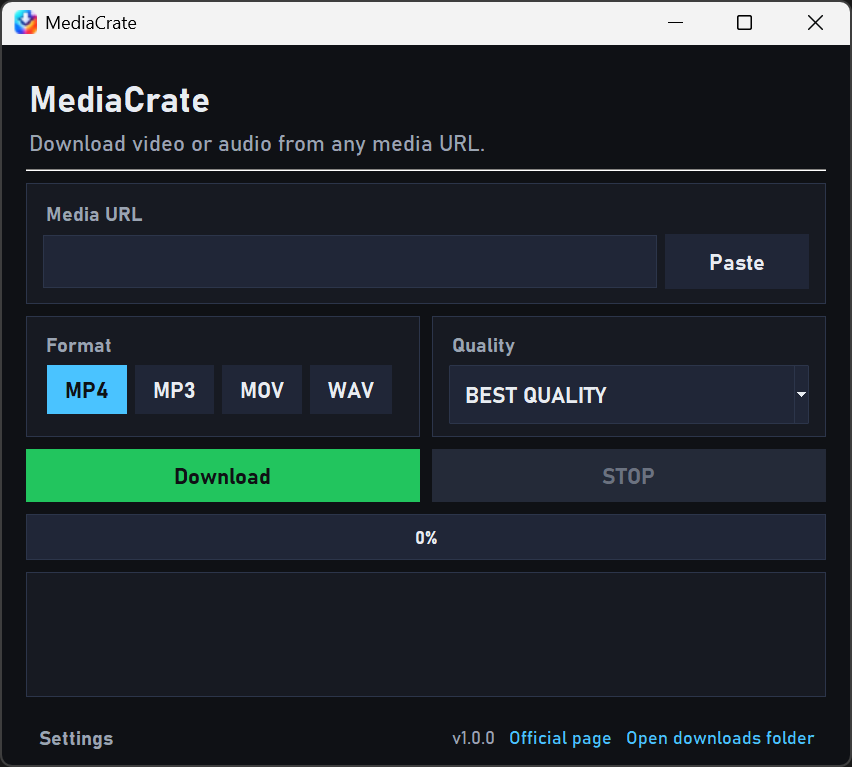
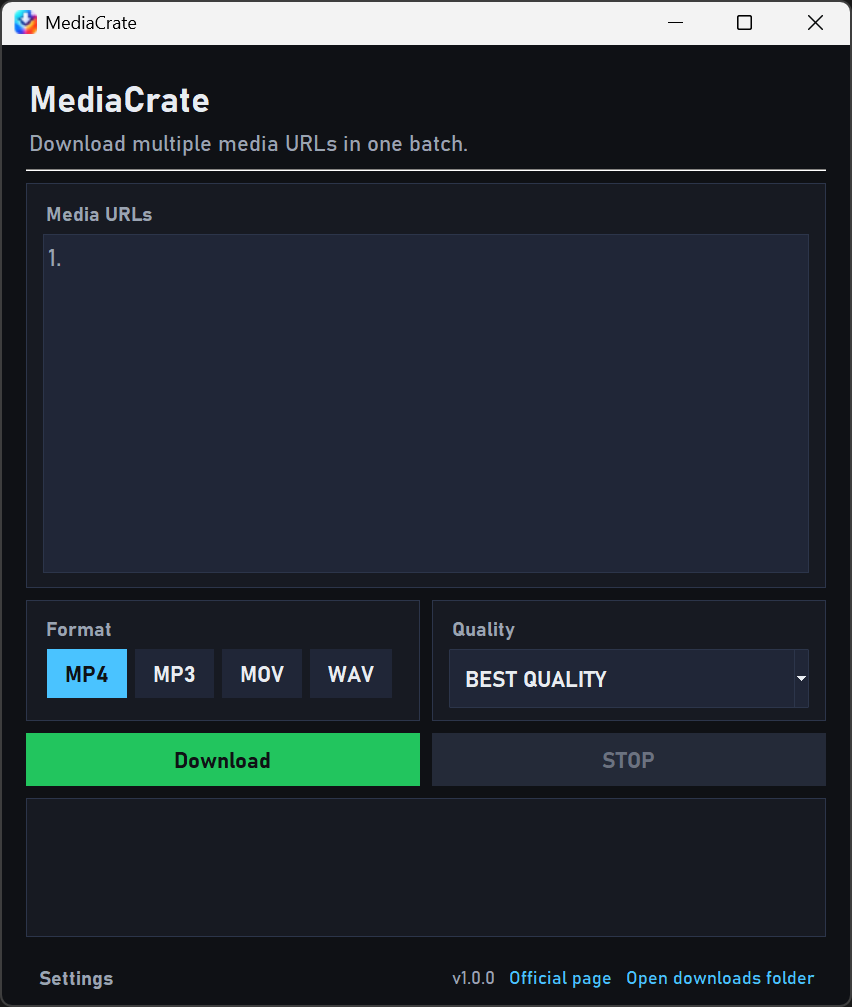
See what you are saving.
The preview brings the title, thumbnail, available formats, and quality choices into view. Size estimates appear when the source provides enough information, helping you choose the result before downloading.
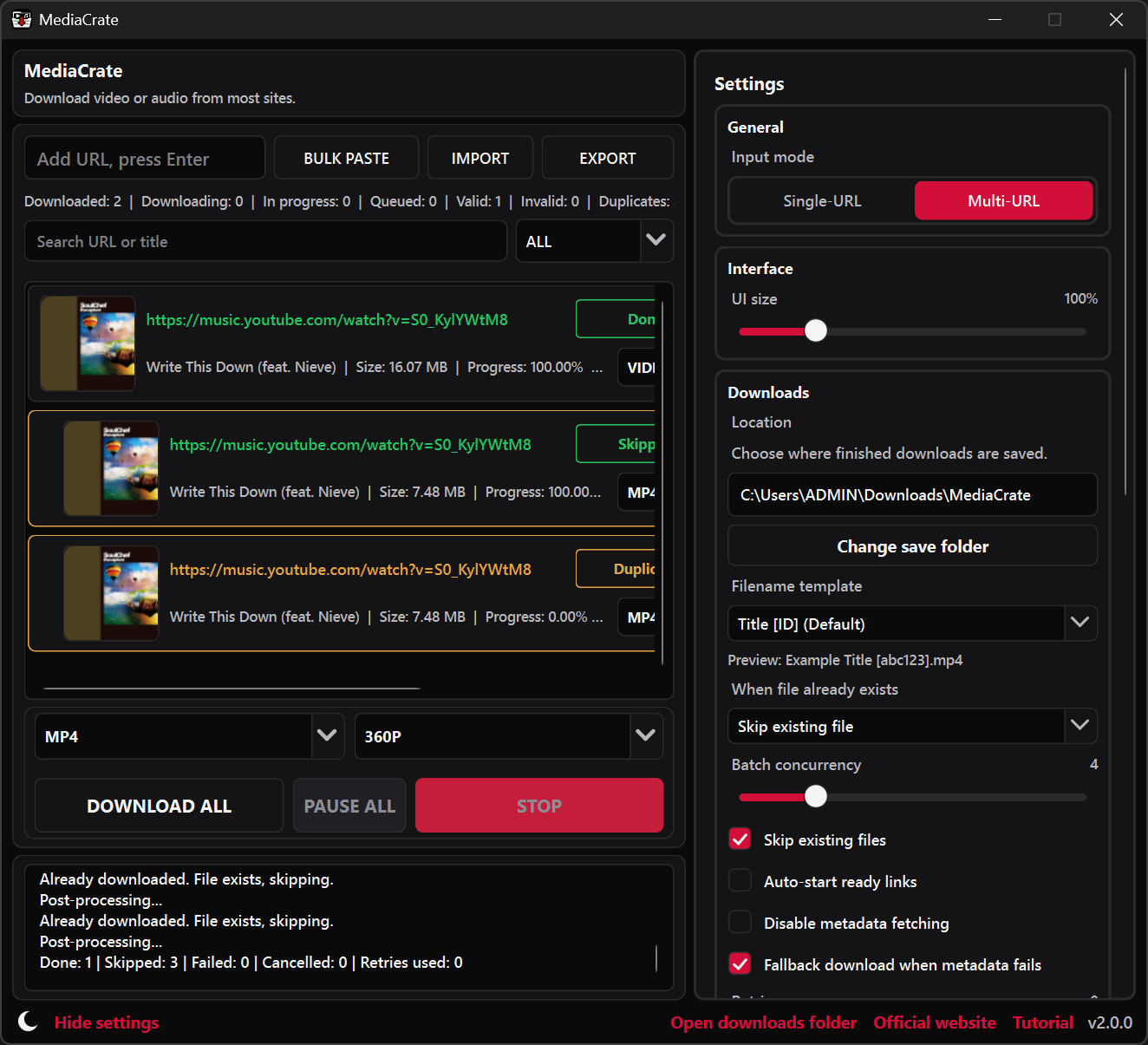
Manage a batch of downloads.
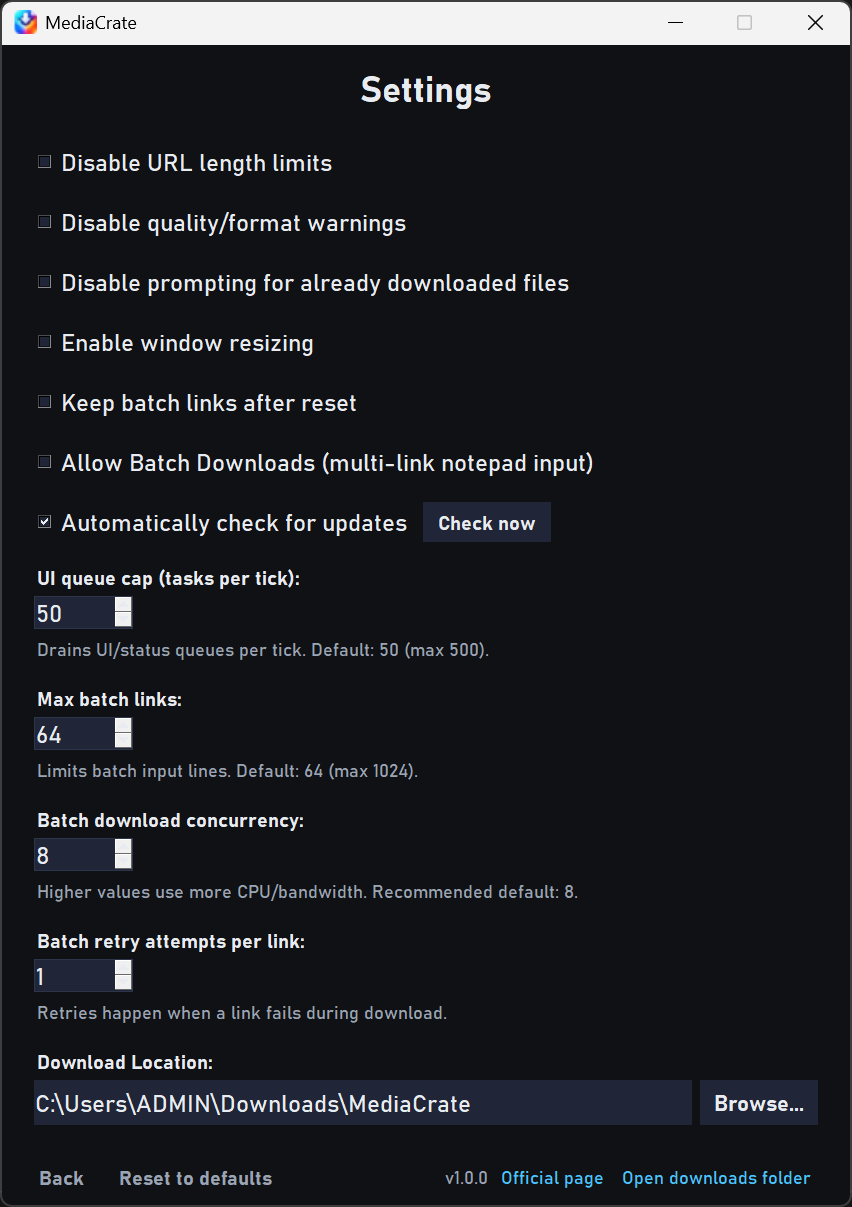
Paste several links or import a text file. Search and filter the queue, set how many items run together, and adjust the filename, save folder, or speed limit.
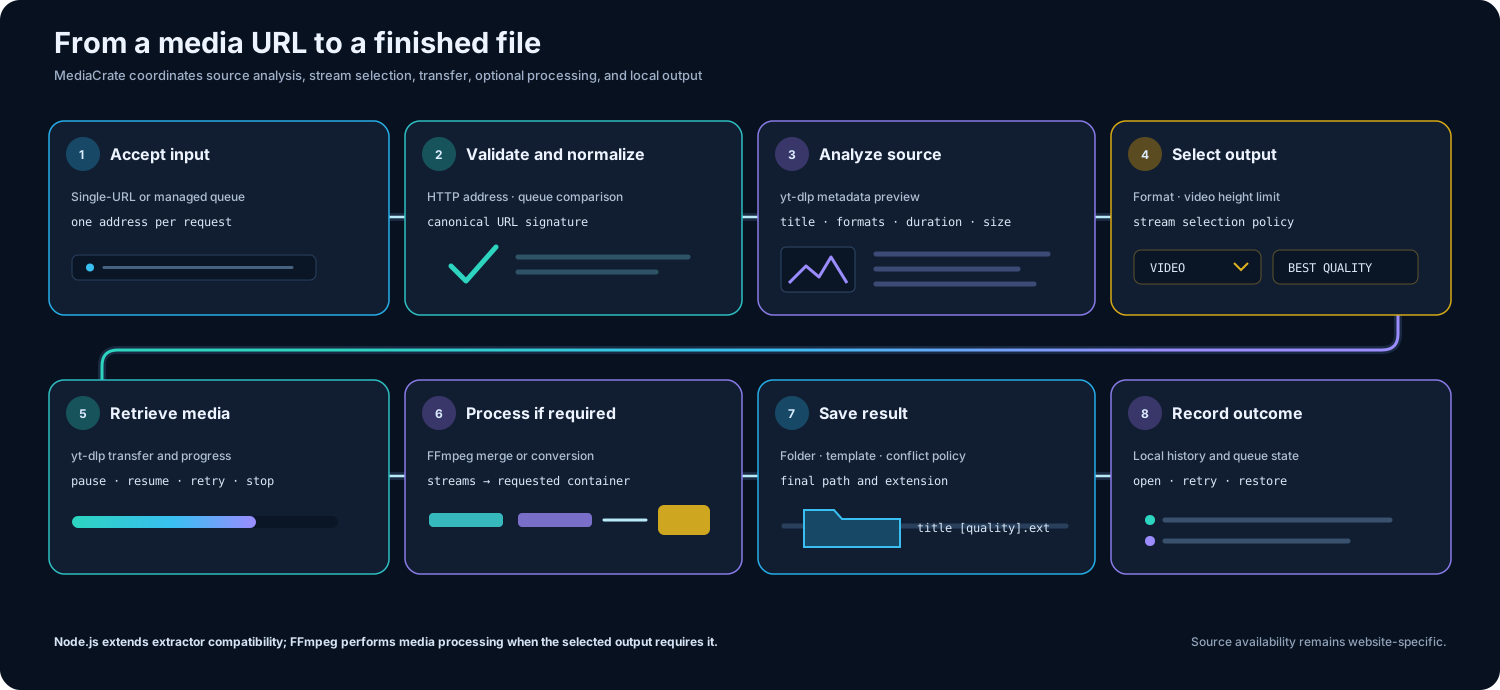
From the link to your folder.
Retrieve the media.
MediaCrate downloads the media for your selected format and quality. Some sources deliver video and audio as separate parts.
Bring the parts together.
When needed, those parts are combined or converted into the format you chose. Progress stays in view while the file is finished.
Save the finished file.
The result goes to your chosen folder, or Downloads/MediaCrate by default. Open the file or its folder from History.
The current release.
Version 2.4.0 - August 24, 2026
What’s changed
- Added download ETA and transfer speeds.
- Improved progress and cancellation stability.
- Fixed output naming and file collision handling.
- Other miscellaneous fixes and security improvements.
Installing MediaCrate
Use the official Windows installer or a project mirror below. If a format or website needs an additional component, open Settings > Dependencies to install it through MediaCrate.
Windows may show a SmartScreen prompt for a new or unsigned installer. See the download FAQ for guidance.
Source code and documentation.
MediaCrate's source, release history, and documentation are available on GitHub. Settings, queue history, and preview data stay with the app locally.