TrackIndex
Organize and play your music without losing the order
Organize and play your music library.
TrackIndex brings folder-based music organization and local playback into one clear Windows application. Open a folder as a library, arrange its tracks visually, and listen without moving between a file manager, playlist editor, and separate music player.
- Keep several folder-based music libraries within easy reach
- Reorder one track or a complete selection with drag and drop
- Keep numbered filenames and playlist files in sync
- Play music with seeking, volume, shuffle, and repeat controls
- Undo and redo library changes during your session
- Work locally without an account, library upload, or tag changes
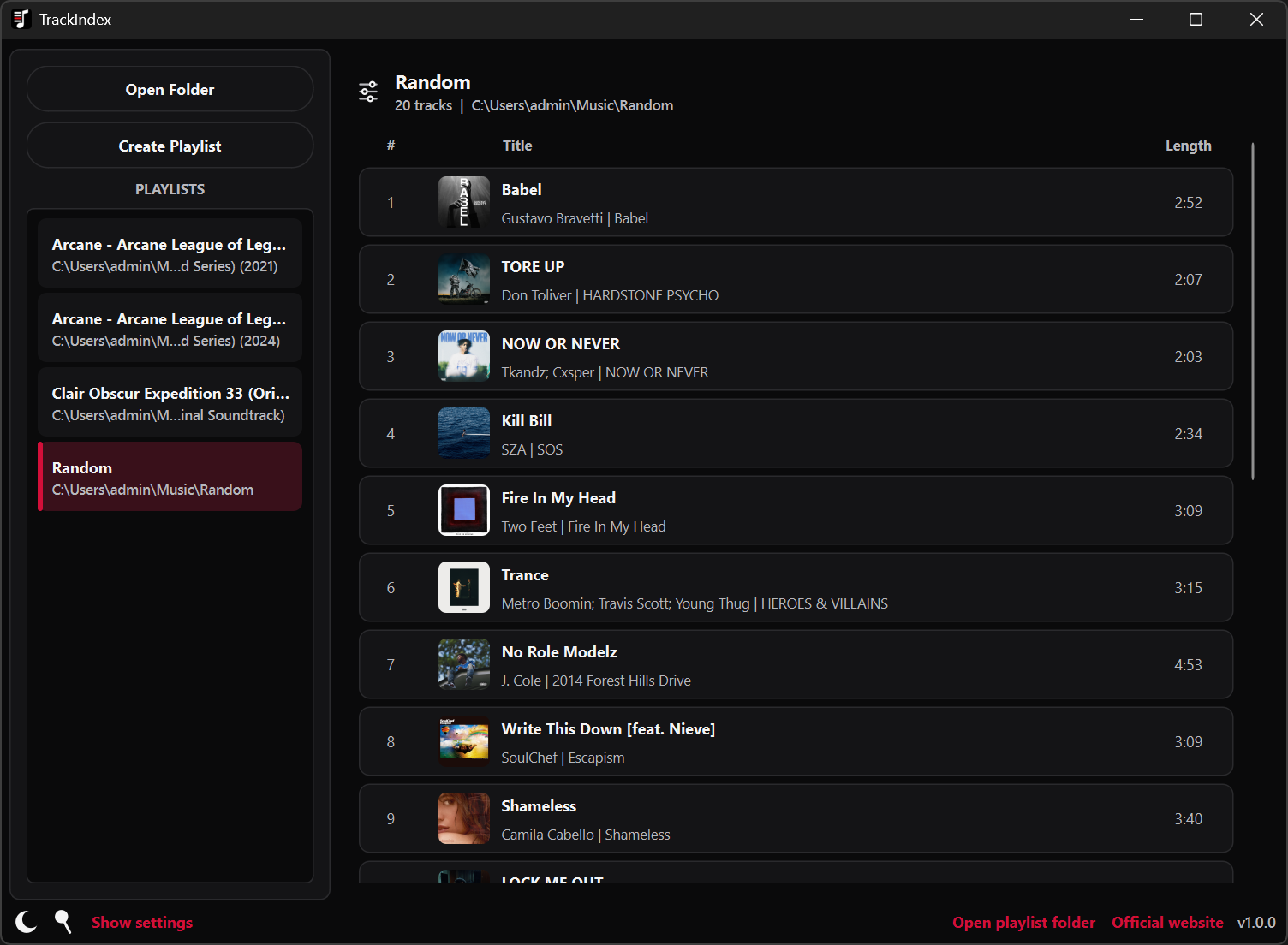
Arrange tracks and listen as you work.
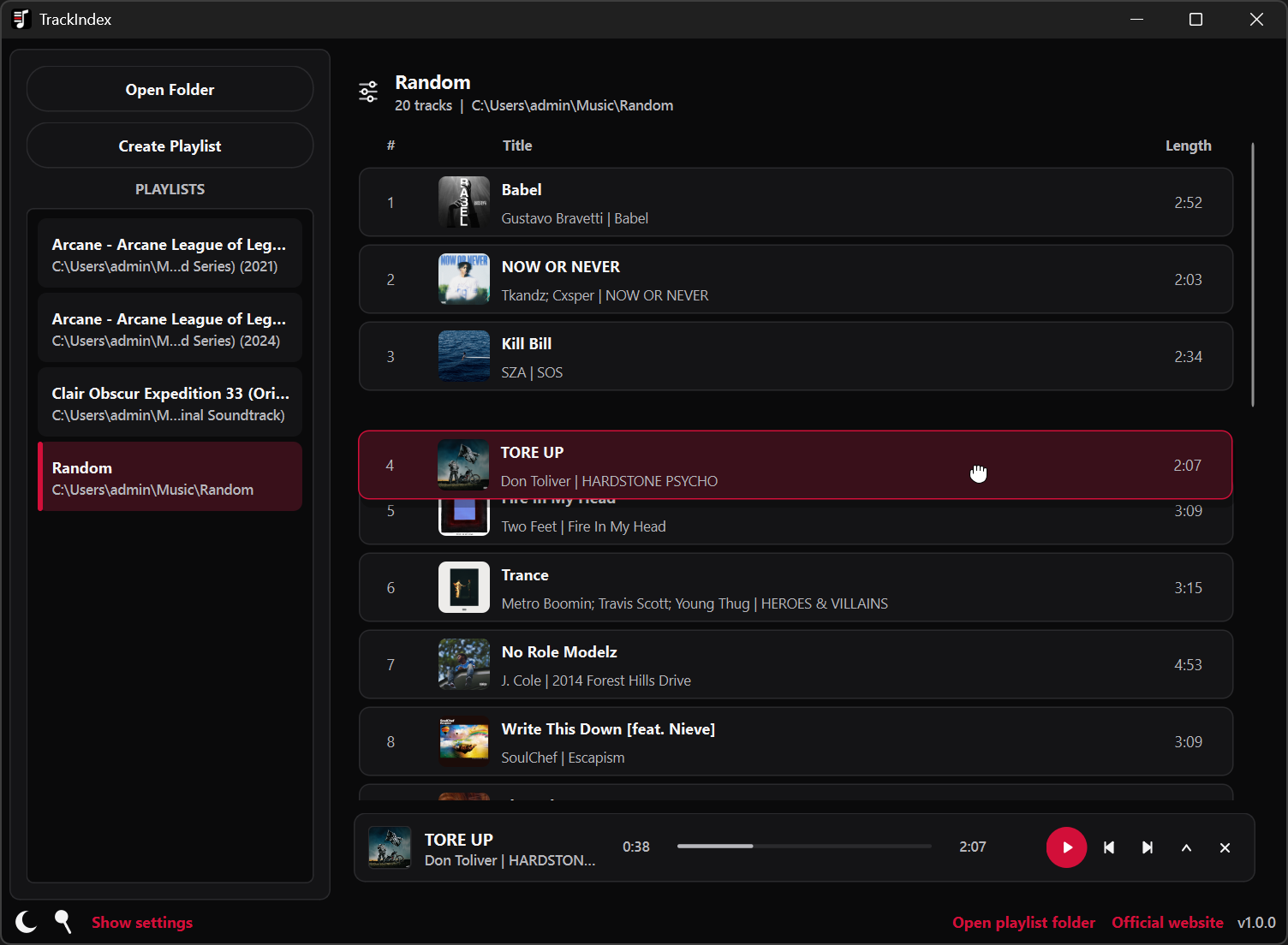
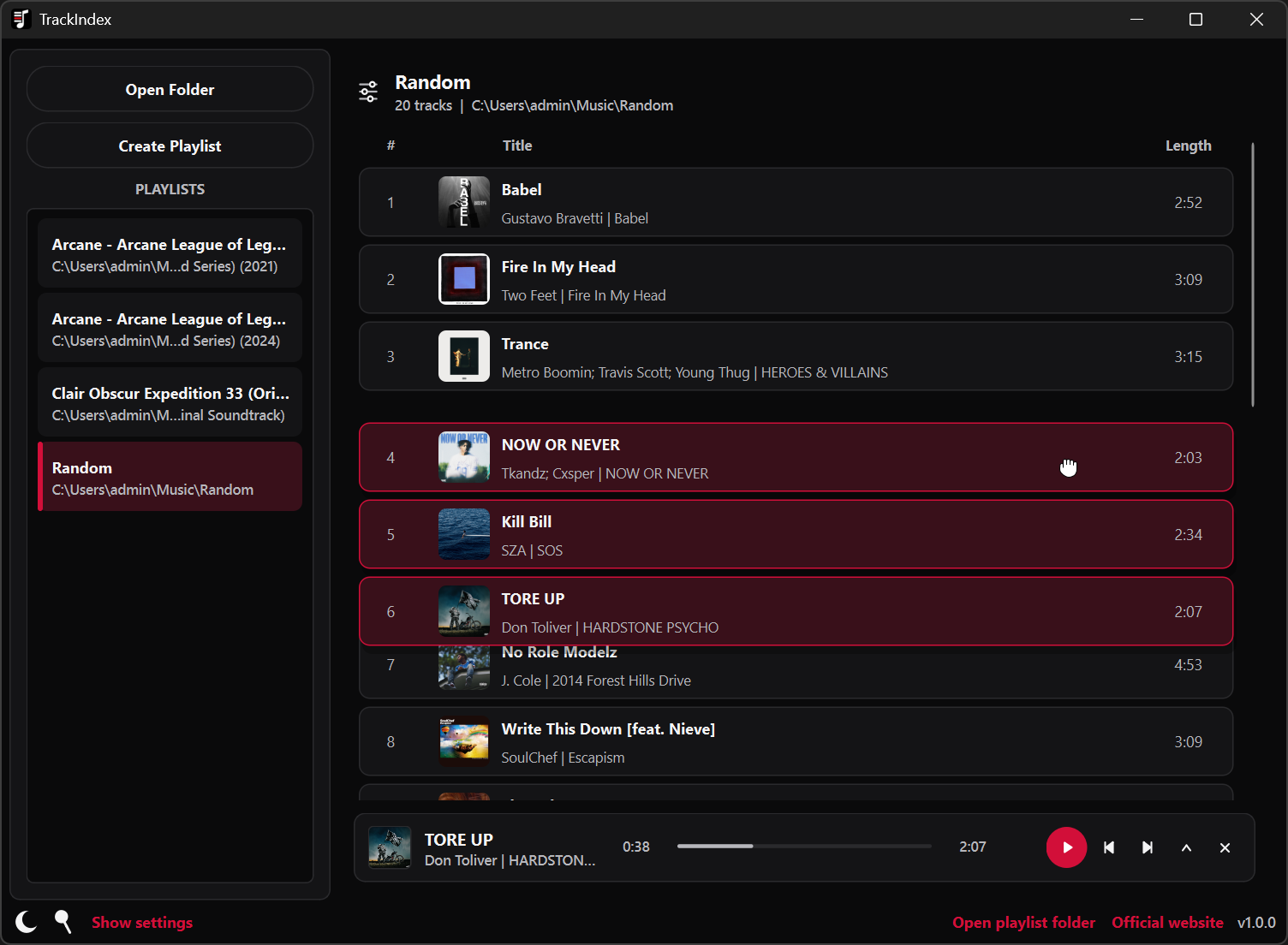
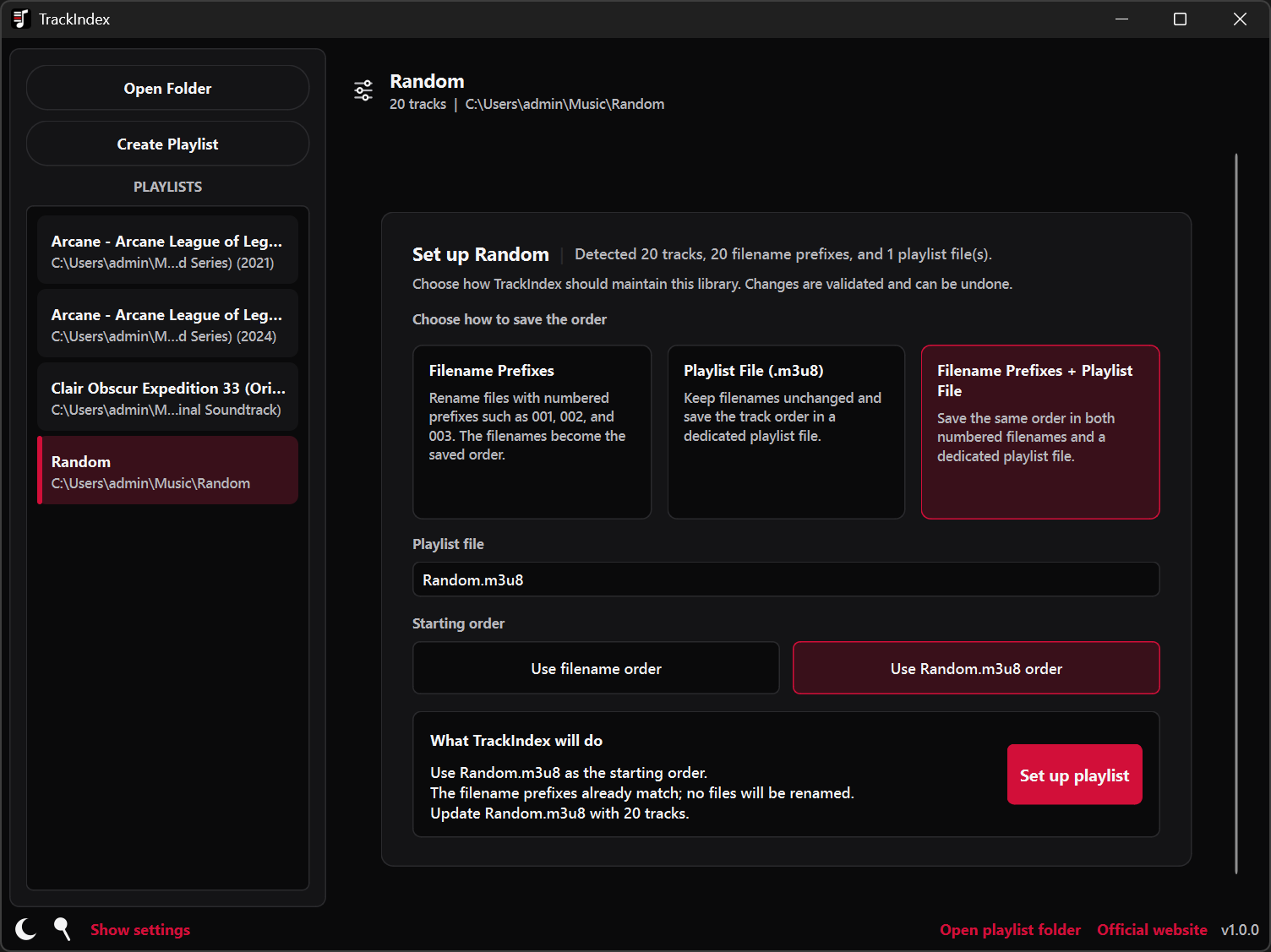
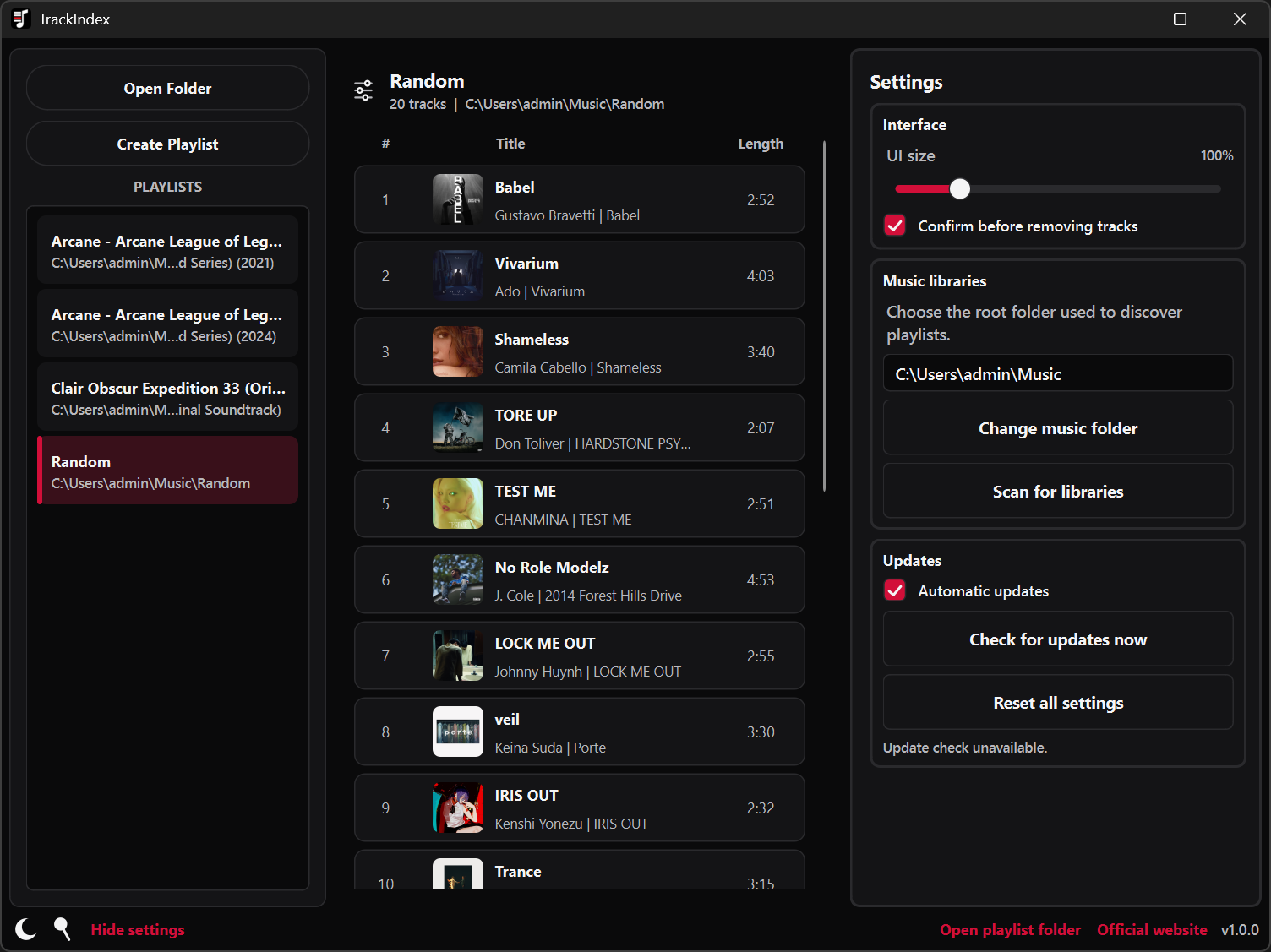
Keep filenames and playlists in sync.
Use TrackIndex when the order of a music folder matters beyond one particular player. Arrange an album, soundtrack, personal collection, or device-ready playlist visually, then keep that same sequence in numbered filenames, a playlist file, or both.
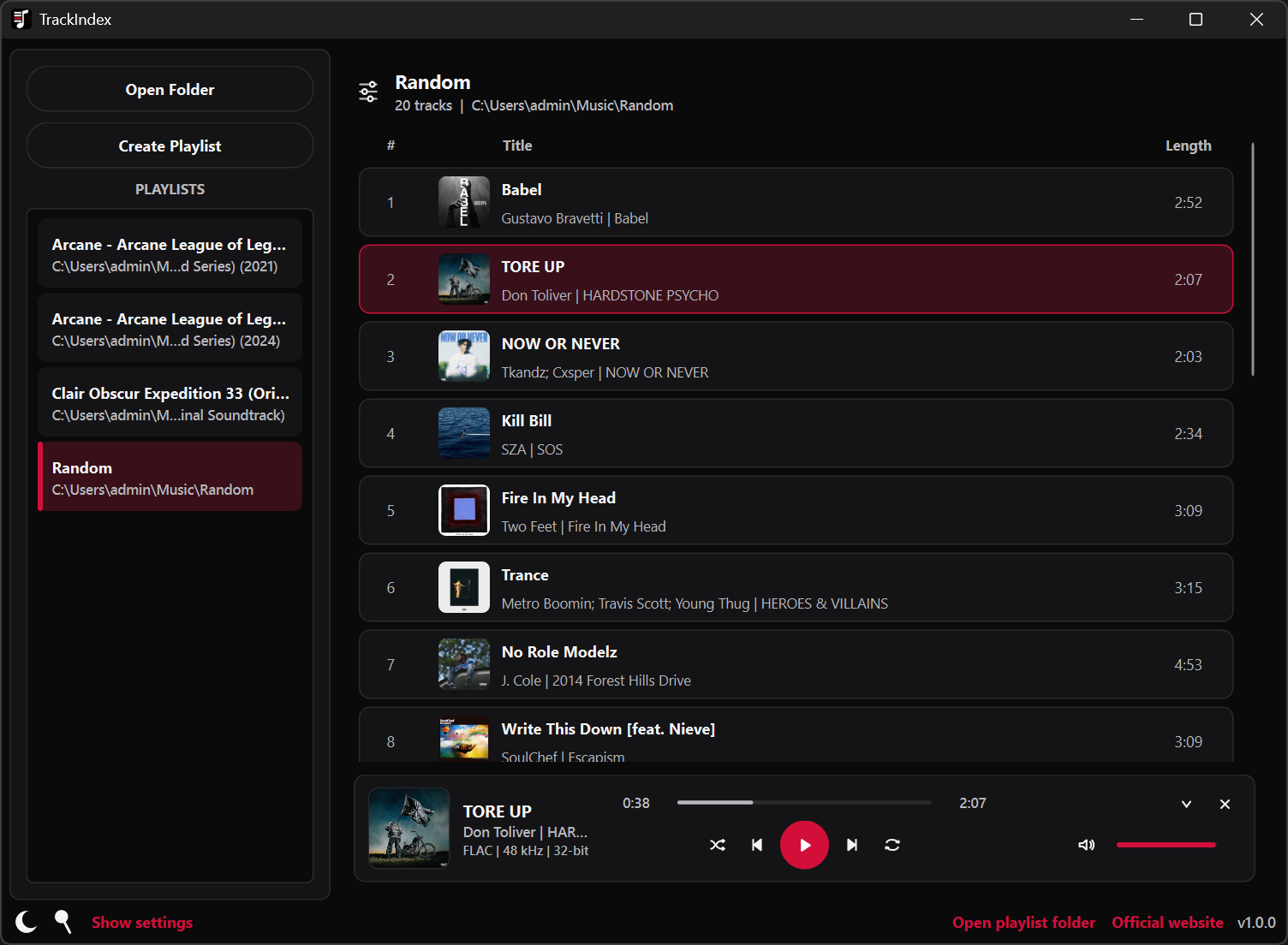
Play music while you organize.
Artwork and music details make the collection comfortable to browse, while the built-in player lets you check a transition or simply keep listening as you work. The player follows the latest successfully saved order without interrupting the current song.
How TrackIndex keeps a library in order
TrackIndex treats the folder, visible track list, playback queue, and chosen playlist as parts of the same collection. You decide how its order should be stored, and TrackIndex keeps each part aligned as you organize and listen.
Open the collection
Choose a music folder directly or discover libraries beneath the Windows Music folder. Each library stays focused on the supported audio files immediately inside it.
Choose how order is kept
Use numbered filenames, a playlist file that records the track order, or both. TrackIndex supports M3U and M3U8 playlists and asks which order should lead if the files disagree.
Arrange and listen
Drag one track or a complete selection into place, then listen with artwork, a timeline, volume, shuffle, repeat, and Windows media controls.
Save filenames and playlists
TrackIndex coordinates filename and playlist changes, preserves useful playlist details, and keeps undo, redo, and recovery available throughout the session.
The current release.
Version 1.0.1 - September 20, 2026
What’s changed
- Fixed playback controls.
- Fixed end-seek track skipping.
- Improved empty-playlist drag-and-drop imports.
- Improved seeking and slider controls.
- Refined update and settings UI.
Installing TrackIndex
The installer includes everything you need to get started, including the components required for local music playback.
Windows may show a SmartScreen prompt for a new or unsigned installer. See the download FAQ for guidance.
Source code and documentation.
TrackIndex is open source and distributed through GitHub and SourceForge. Music libraries, playback, settings, and recovery information remain on the local computer. Update checks run when enabled or requested, and update downloads begin with your approval.