
Pianoscribe
Turn piano recordings into editable MIDI, privately on your own computer
Turn a piano recording into editable notes.
Pianoscribe turns a piano recording into MIDI, a file of musical notes you can edit and arrange in music software. It estimates which notes were played, their timing and strength, and optional pedal use without uploading the recording for analysis. Performance settings let you balance conversion speed with the other work on your computer.
- Designed for clear solo piano recordings
- Private processing with no recording upload
- Notes, timing, dynamics, sustain, and soft pedal support
- Adjustable performance settings to balance speed and system use
- Optional graphics card acceleration on supported hardware
- Editable MIDI files saved to Downloads/Pianoscribe by default
Transcription controls and results.
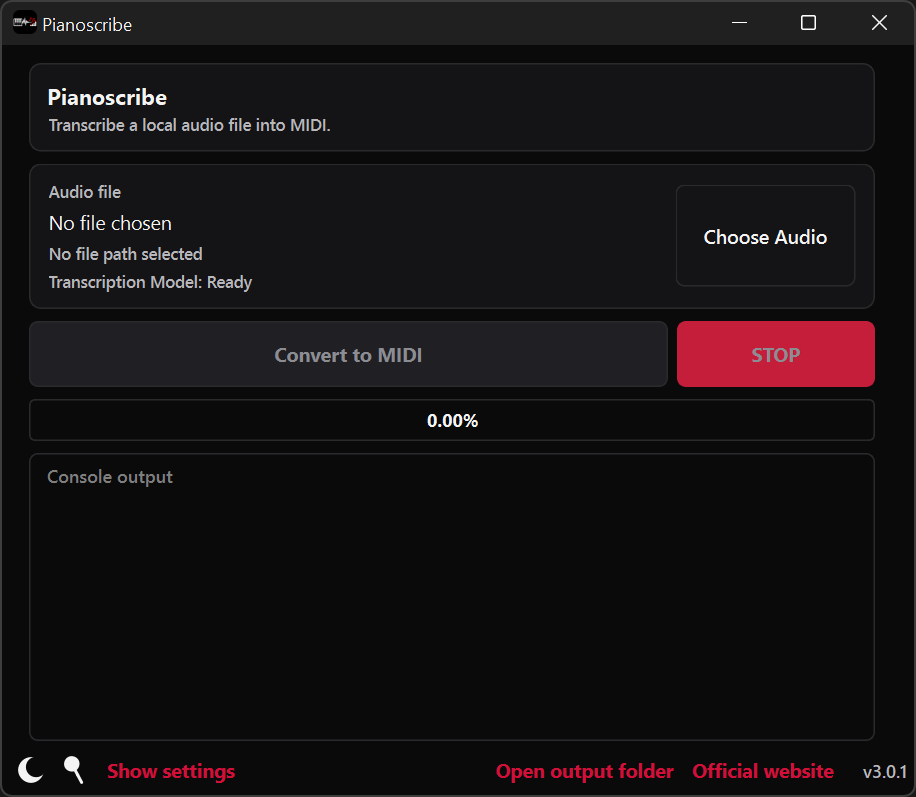
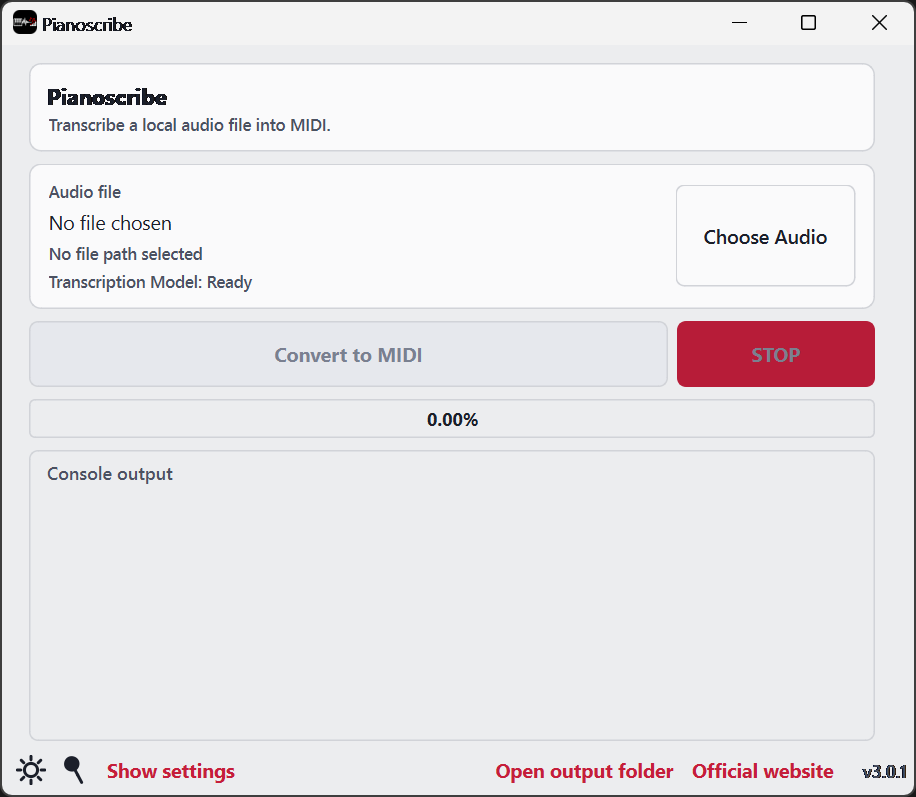
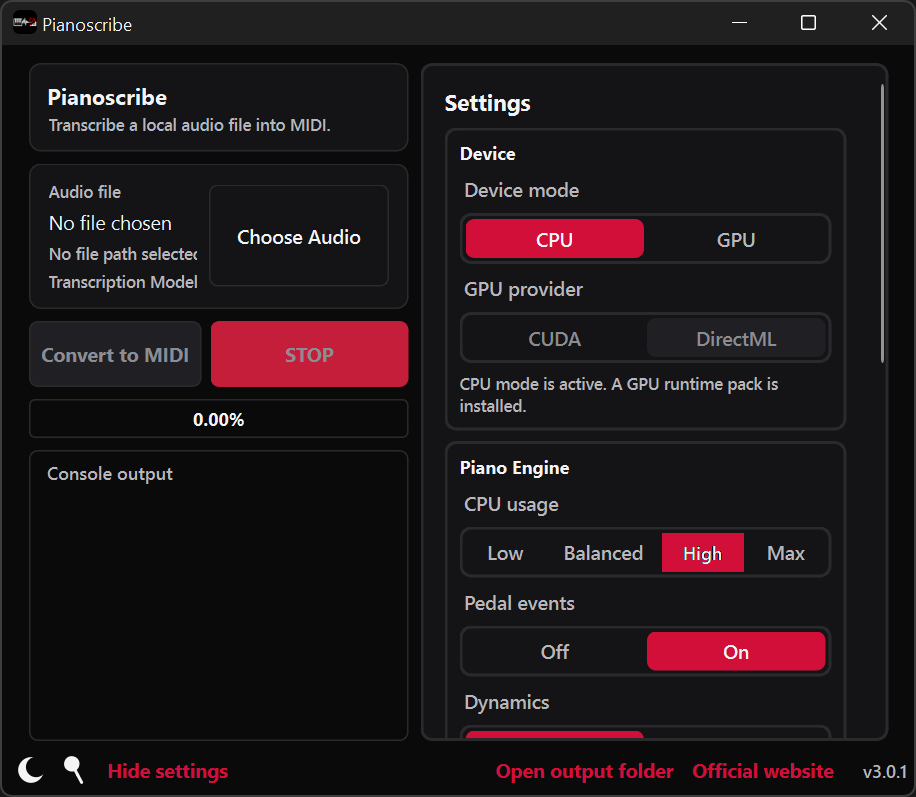
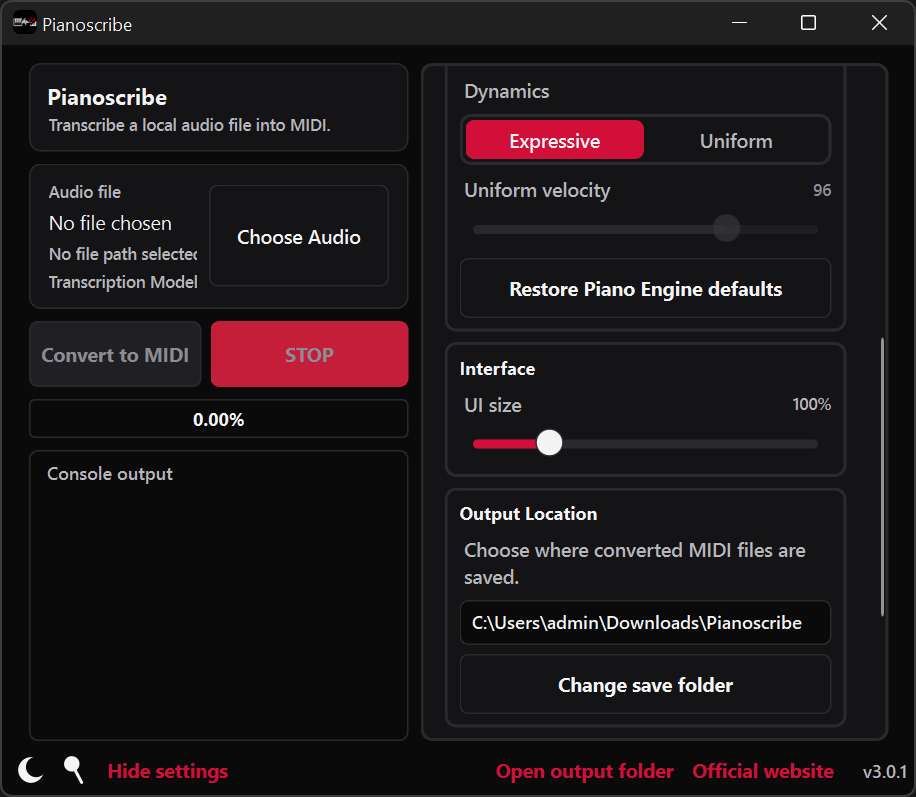
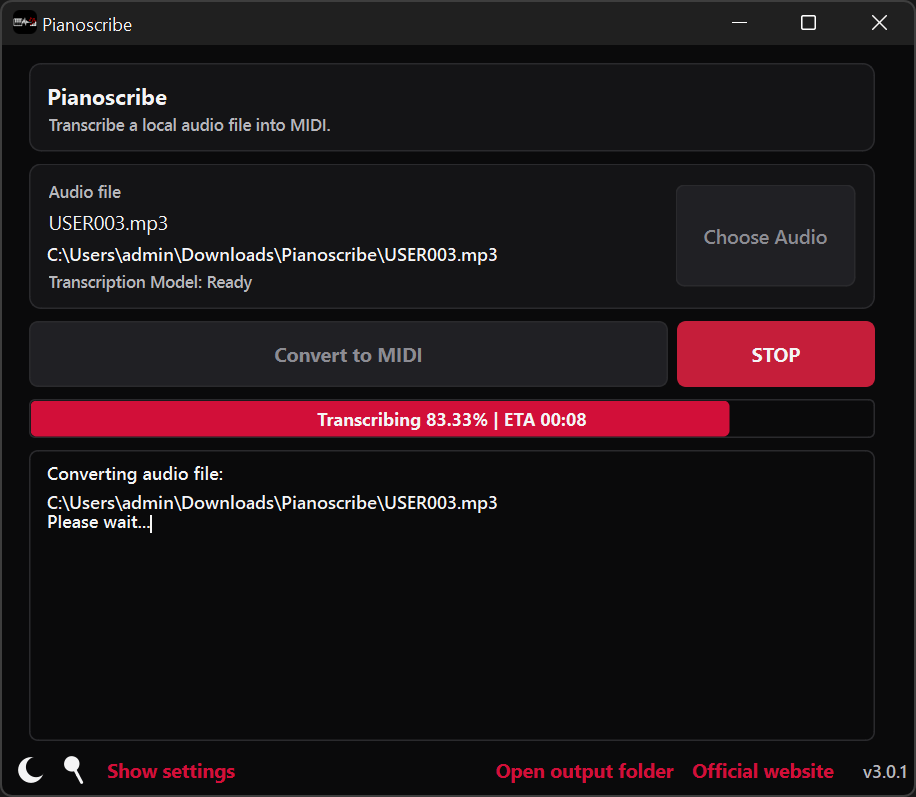
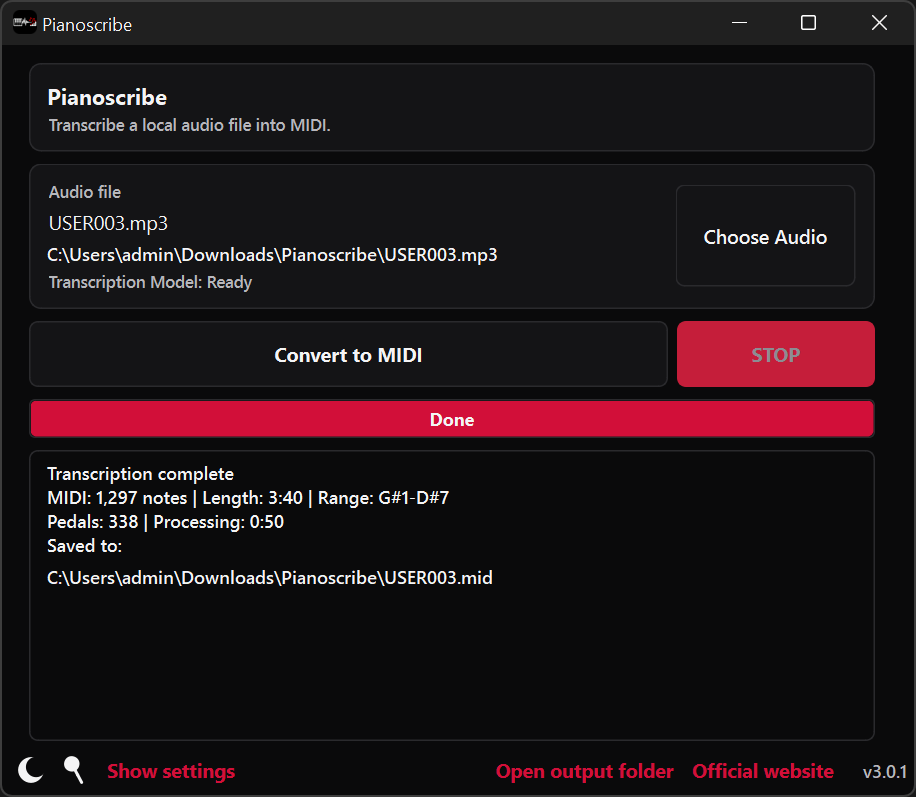
Start with a recording.
Give Pianoscribe a piano recording and receive an editable version of the performance for a music production or notation application. It is useful for preserving an improvised idea, studying a difficult passage, arranging a performance, or recovering the notes from a recording that has no written score.
Adjust note strength and pedals.
Keep the estimated differences in note strength or create a more even result, with optional pedal information. Clear solo piano recordings give the engine a better starting point. Review the MIDI in your music software and adjust notes, timing, or pedals where needed.
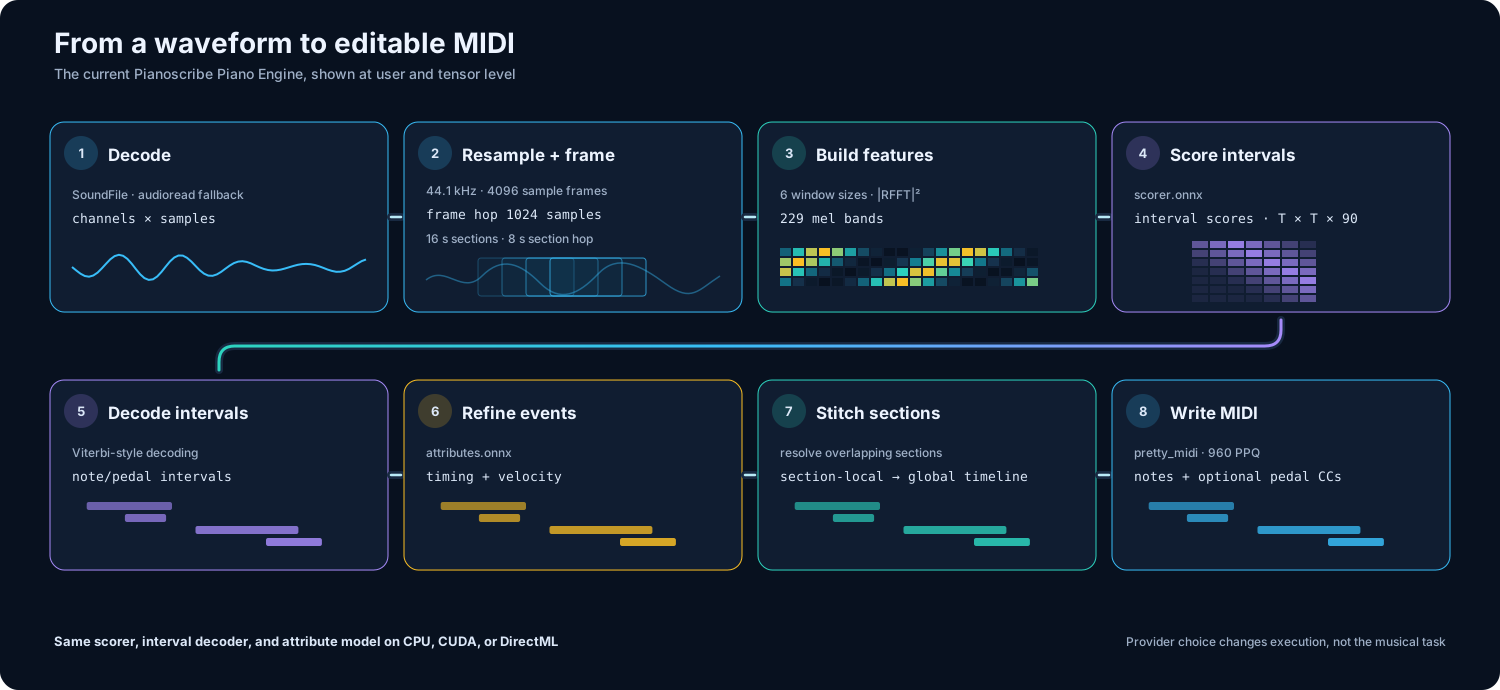
From a recording to editable notes
Pianoscribe works from the sound of the performance itself. It listens in short overlapping sections, follows notes even when they ring into one another, and then brings everything back together as one continuous musical timeline.
Prepare the sound
Pianoscribe divides the recording into overlapping sections so notes near a boundary retain enough surrounding context.
Find the musical detail
The engine examines several complementary views of the sound to distinguish quiet notes, strong attacks, and overlapping harmonies.
Reconstruct the performance
It estimates a consistent sequence of notes and pedals, then refines when each event begins and ends and how strongly each note was played.
Create the MIDI file
Pianoscribe joins the sections on the original timeline and saves the result as an editable MIDI file.
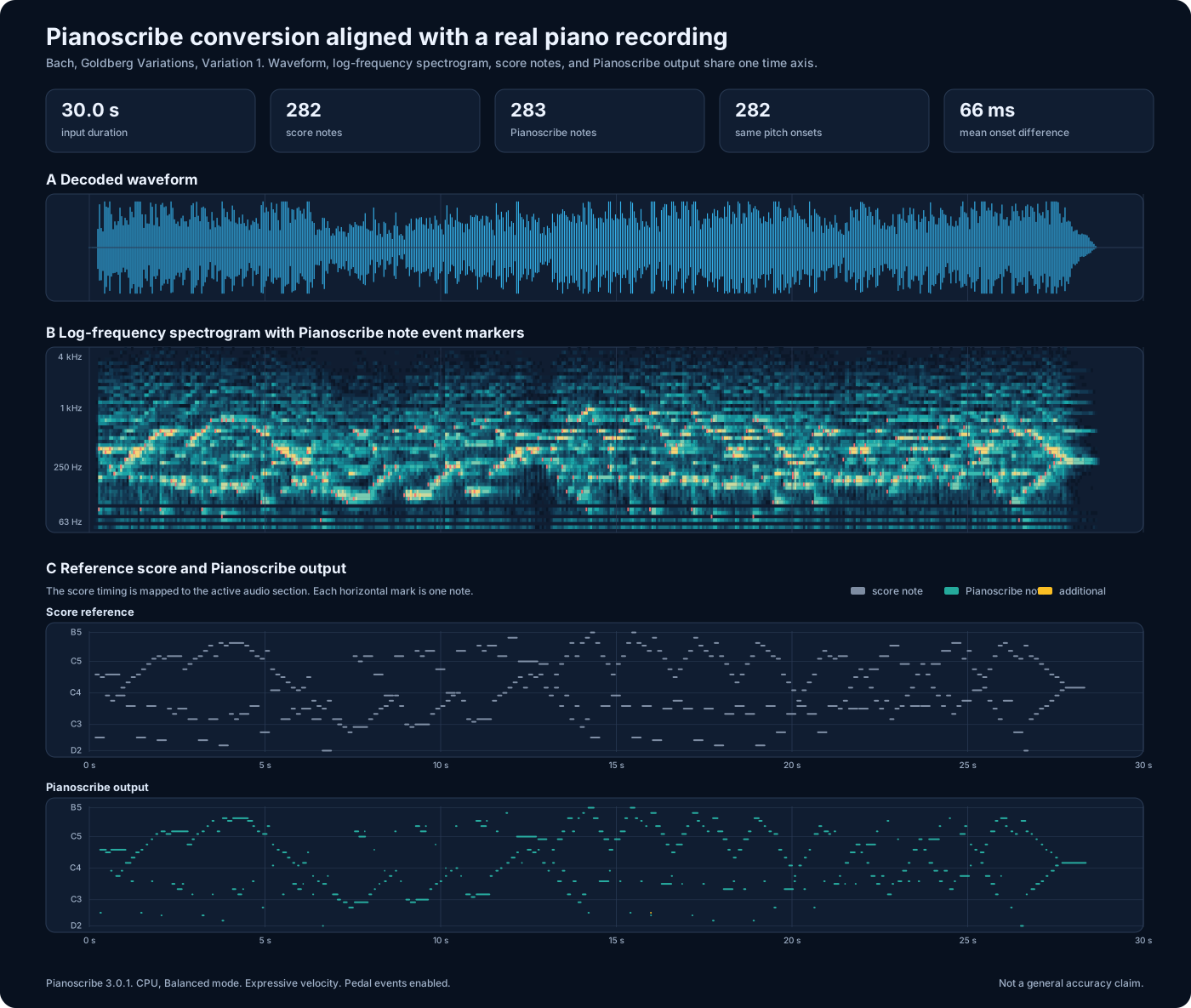
Worked piano example
This 30-second piano example lets you hear the original recording, download the result, and compare both versions on the same timeline. It offers a clear view of where Pianoscribe placed the notes and how closely their timing follows the reference.
The current release.
Version 3.0.1 - August 26, 2026
What’s changed
- Renamed to Pianoscribe.
- Improved download reliability.
- Updated save and data locations.
- Expanded help and troubleshooting.
- Updated installer and download links.
Installing Pianoscribe
The Windows installer includes everything needed for CPU mode except the required transcription model, which Pianoscribe prompts to download on first use. Optional CUDA or DirectML components enable GPU acceleration on supported hardware; see the setup guide for requirements.
Windows may show a SmartScreen prompt for a new or unsigned installer. See the download FAQ for guidance.
Source code and documentation.
Pianoscribe is open source and distributed through GitHub and SourceForge. Source recordings remain on the local computer. Network access is used for requested model, runtime, or application downloads and for update checks when enabled.